
Livestreaming a game is not the same as playing with the camera off. A broadcast can reveal a teenager’s voice, room, notifications, usernames, friends, schedule and reactions in real time. Viewers may clip or record moments the family thought would disappear.
Run a private test before any public stream. The goal is not to make a teen’s creative project impossible; it is to understand what leaves the device and who will manage the room when the audience arrives.
Check age and supervision rules first
Read the current rules of both the streaming service and the game platform. Minimum ages, supervision requirements, live-feature access and monetization rules vary by service and region. Check the rules again before enabling a teen account because platform features and terms can change.
Do not enter a false birth date to unlock streaming. Use a supervised teen account and the platform’s family controls where available. Agree which parts the teen manages and which remain with the caregiver.
Run the empty-room test
Start an unlisted or local recording with no audience. Watch and listen for:
- school names, certificates, house numbers or family photos in the background;
- reflections in windows, mirrors and screens;
- spoken names, routines and places;
- desktop notifications, email previews and friend usernames;
- voice chat from people who did not agree to be broadcast;
- music or video playing in the room that the streamer may not have rights to rebroadcast.
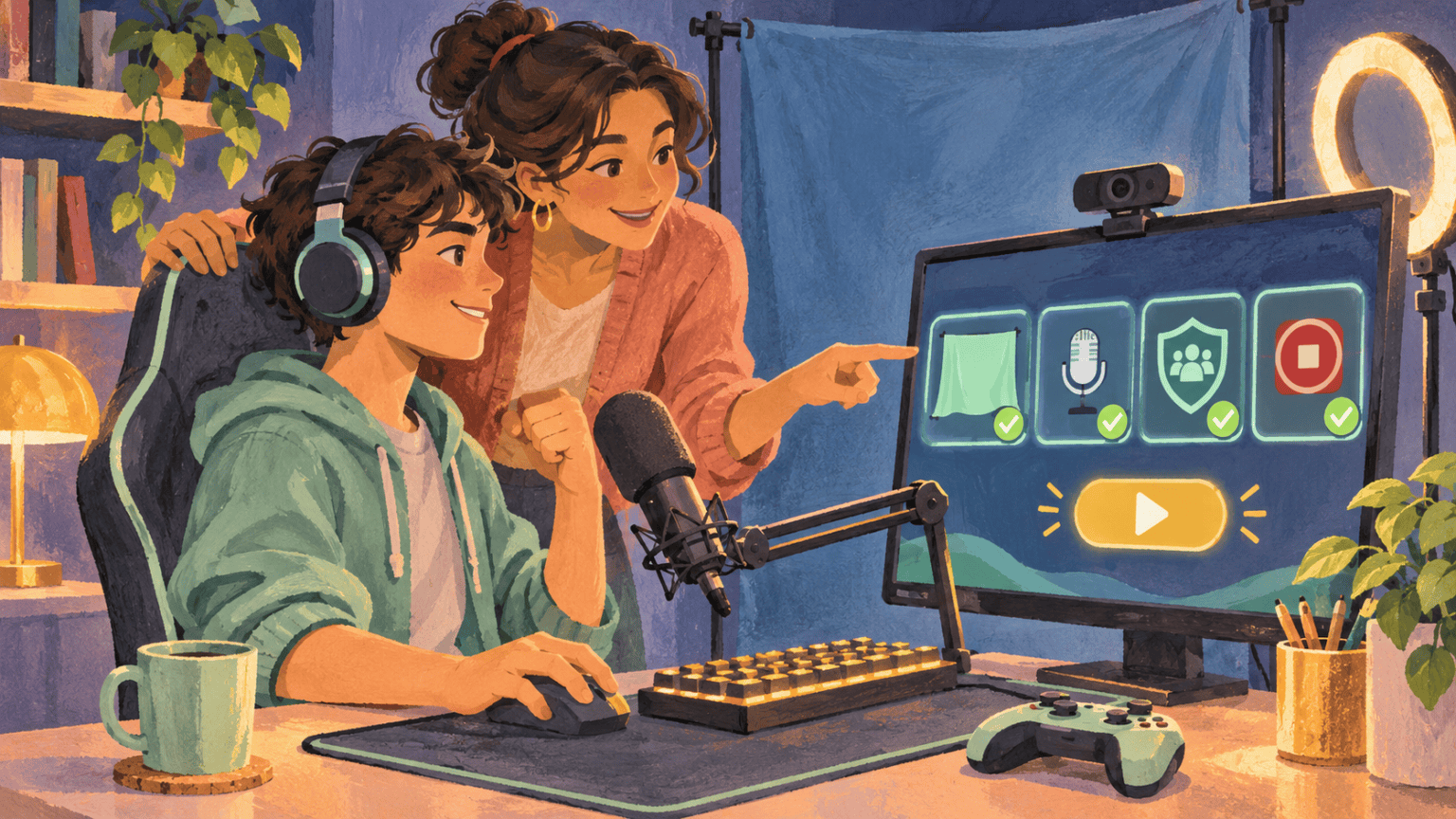
Use a plain background, disable unnecessary notifications and create a separate streaming profile on the device. Headphones reduce accidental household audio, but the family should still know when the microphone is live.
Separate public identity from private contact
Choose a channel name that does not include a full name, birth year, school, team or neighbourhood. Use a separate contact email with strong authentication. Do not display private friend lists, account recovery details, QR codes or purchase receipts.
A public schedule can help an audience, but it should not map the teen’s school commute, when adults are away or where the family will be. Post broad times rather than real-world movements.
Prepare moderation before viewers arrive
Open the service’s current safety and creator settings before the first stream. Set chat rules, blocked terms, available verification options and a trusted moderator. Practise timing out, blocking and reporting from the creator dashboard before anyone needs those tools in a stressful moment.
Do not make the teen debate harassment live. A short phrase is enough: “That breaks the channel rule,” followed by moderation. EdCaptain’s online help-seeking agreement gives a route for secrecy, images, money or attempts to move contact elsewhere. The safer online gaming chat guide covers blocking, reporting and known contacts.
Define the emergency stop
Agree that the stream ends immediately if private information appears, a threat is made, someone enters the room unexpectedly, the teen becomes distressed or a caregiver uses the emergency phrase. The teen can end without explaining to viewers. Save only the evidence needed for a report and remove a replay or clip promptly where the platform allows.
Set boundaries around money and contact
Review donations, subscriptions, sponsorships, gifts and direct messages separately. A minor should not negotiate contracts, disclose payment details or arrange private calls with viewers alone. Keep tax, advertising and platform rules with the responsible adult. Never agree to meet a viewer offline based only on a streaming relationship.
Review the first streams together
After a short session, ask what felt enjoyable, distracting or uncomfortable. Check the saved video, clips, chat log and any new contact requests. Adjust microphone level, delay, moderation and discoverability before going live again.
A safe stream is not one where nothing unexpected ever happens. It is one where the teenager knows what is public, has real control over the channel, and can stop and ask for help without losing adult trust.