By EdCaptain editorial desk · Published
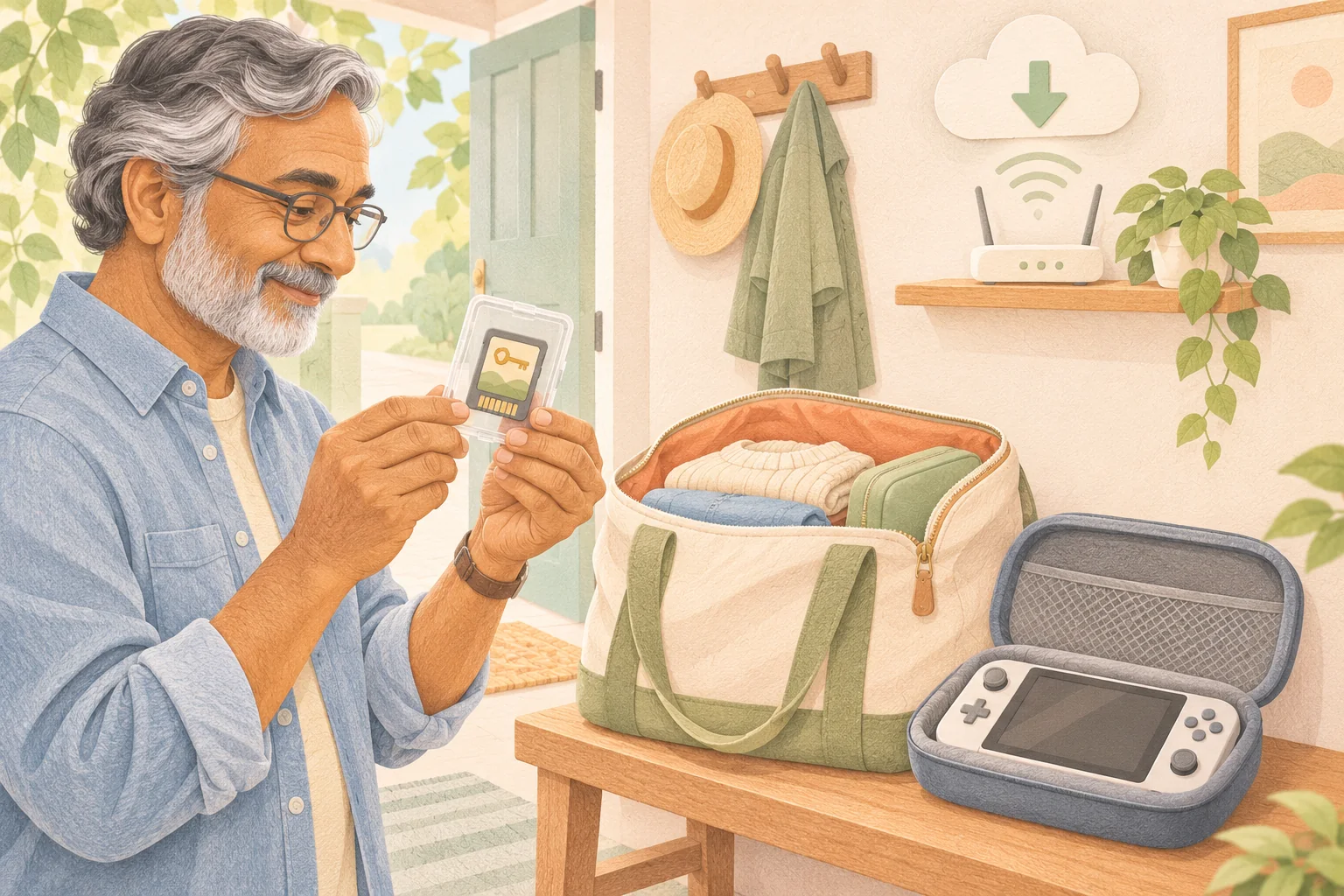
A game arrives in a case, with a little card inside. It is easy to assume that opening the box means a child can start playing immediately, even somewhere without internet. With a Nintendo Switch 2 game-key card, there is another preparation step.
The card is physical, but it does not contain the full game data. Nintendo’s game-key card overview explains that the game must be downloaded first. The card then remains necessary to play. Before buying one as a gift or borrowing one for a journey, check the format and the setup the receiving household can actually use.
Look at the exact box you are buying
Nintendo Switch 2 supports regular game cards as well as game-key cards. Do not decide which format a listing supplies from the cover artwork or the word “physical” alone.
Nintendo’s explanation of the formats points to a game-key card label on the case. Ask for a clear photograph of the actual packaging when buying from a seller whose description is vague. Check the selected edition and console compatibility too; this guide concerns Nintendo Switch 2, not a promise that a similarly named product works on another system.
Use a concrete question: “Does this selected product include a physical game-key card, a regular game card, or a download code? Please confirm the format and the download-space requirement shown on the box.” A reply about the game’s story or release date does not answer that question.
A digital code is a separate purchase route: Nintendo describes redeeming codes through Nintendo eShop. Do not treat a code in a box as interchangeable with a game-key card, especially when considering a second-hand purchase or a loan.
Allow for the download before the occasion
For the game-key card format, Nintendo identifies two initial requirements: internet access and enough free space in the console’s system memory or a microSD Express card. The required space is indicated on the packaging.
That makes the practical gift question more specific than “Do they own the console?” Ask the receiving caregiver whether they can prepare the download before the birthday morning, holiday visit or trip. Agree before opening a sealed gift or using someone else’s console; keep their account credentials and setup choices with them.
Do not promise a download time based on the size of another game. Leave a comfortable preparation window, follow the console’s on-screen instructions and confirm that the download has finished. A file beginning to download is different from a game being ready.
If the household has limited connectivity or a capped data allowance, include that constraint in the purchase decision. Waiting, choosing a different suitable title or using a game already prepared at home may work better than buying a box that creates an unexpected setup problem.
Check space without experimenting on saved work
Compare the package’s requirement with the storage actually available on the receiving console. Do not use the console’s headline capacity as if all of it were empty.
Nintendo’s Switch 2 data-management FAQ identifies microSD Express as the expansion format for downloaded software and related data. Check Nintendo’s current compatibility guidance before buying a memory card; “we have a spare card” is not yet confirmation that it is suitable.
If space is short, pause rather than deleting whichever item looks largest. Ask the console’s caregiver which software can be removed and what will be needed to download it again. Keep saves, user profiles and valued captures out of a rushed space-clearing experiment.
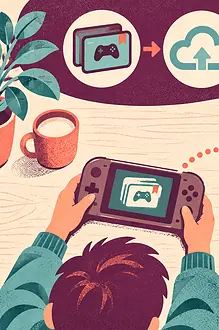
The FAQ also distinguishes software from save data: game saves are stored in the console’s system memory, not on a microSD Express card. A storage card holding the game files is therefore not, by itself, a backup of the child’s progress.
Keep the card with the play plan
After downloading, you still need the game-key card inserted to play. Put that fact into the packing routine. The console having the game installed does not make the physical card unnecessary.
Use a protective case and an adult-managed place for small cards, away from babies and toddlers. Avoid leaving a loose card in a bag pocket or treating the empty game box as evidence that the card is inside. Check before leaving home and again before returning a borrowed copy.
Nintendo says the game can be started without an internet connection after its first launch. That format-level statement does not establish that every feature of the particular game works offline. Check its own online requirements and try the intended mode in advance using the supported setup. Do not rely on the card format to promise multiplayer, online accounts or network-dependent features during a journey.
Borrowing the card does not bring someone else’s progress
Nintendo explains that game-key cards are not tied to a Nintendo Account and can be lent physically. The receiving console needs to download the game data too. Handing over a card is therefore not a shortcut around the recipient’s storage and initial-download needs.
Arrange the loan with the other caregiver: which card is being lent, when it should return, and whether there is enough time to prepare it. There is no need to exchange passwords. Confirm the actual card is present when returning the case.
Keep progress as a separate question. Do not expect a card borrowed from a cousin to contain that cousin’s save, or expect lending the card to transfer your child’s world. If the family is moving to another console, use our console-transfer checklist and the current Nintendo instructions before resetting the old device.
Ready to launch is only the first check
Once the setup works, assess the exact game’s age information, content, communication features, purchases and access needs. A game-key card is a delivery format; it does not indicate that the game is suitable for a particular child.
Our digital-game accessibility check can help examine the controls, text and real tasks when a suitable trial is available. Keep normal family controls in place during preparation and play.
Before the occasion, finish with three confirmations: the intended game opens, the card is packed, and the planned way of playing works under the conditions you expect. If any answer is still unknown, tell the child plainly that setup needs more time rather than promising immediate play from the sealed box.
Sources and further reading
- Nintendo: Switch 2 game-key card setup and ongoing card requirement
- Nintendo: software storage and separate game saves
- Nintendo: regular cards, digital games and lending game-key cards
Read our editorial policy and review methodology.