

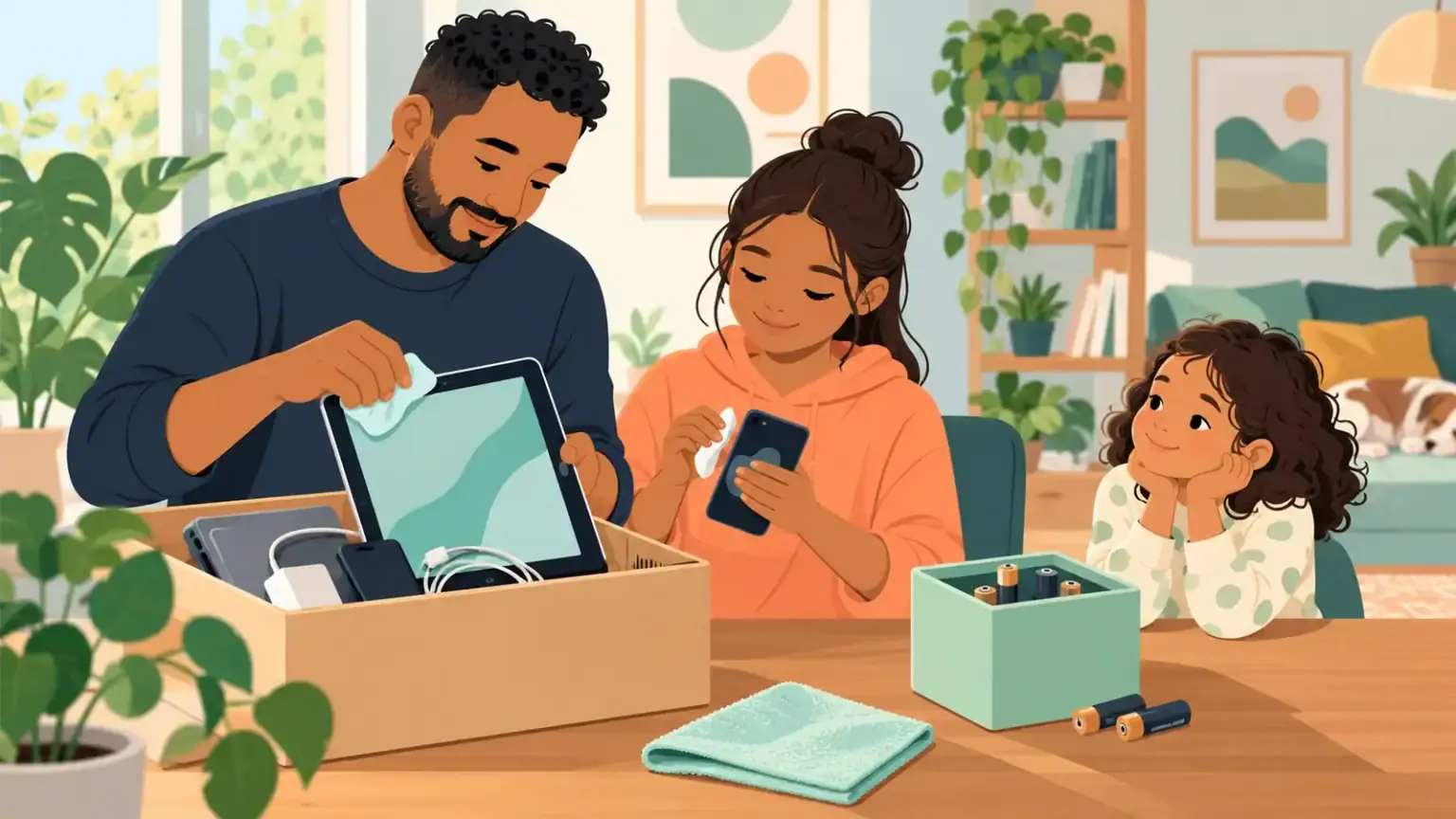
An old phone or tablet may hold family photos, messages, saved passwords and account access long after it stops being useful. It may also contain a lithium-ion battery that does not belong in ordinary household rubbish or recycling. Turning a drawer of devices into a family project can teach repair, privacy and responsible disposal—as long as an adult controls the technical and battery-safety steps.
Sort by condition, not sentiment
Create four groups: still useful; repairable; suitable to donate; and ready for an approved recycling route. Do not power on a device with a swollen, leaking, punctured, unusually hot or damaged battery. Move children away, avoid pressing or bending it, and seek local fire-service, manufacturer or hazardous-waste guidance. Do not put a lithium-ion battery or a device containing one into a household bin.
A working device may need only a software update, new cable or professional battery assessment. Repair is worthwhile when it is safe, supported and affordable. Do not let a child dismantle electronics or batteries to see what is inside.
Protect the family’s information
Before donation or recycling, identify every account connected to the device. Back up wanted photos and files. Sign out of services, remove the device from account-management pages where needed, disable tracking or activation locks, and follow the manufacturer’s official reset instructions. A factory reset is not a substitute for checking that the account link is removed.
Remove memory cards and subscriber cards. Check cases and keyboard covers for written passwords or school labels. If the device cannot be powered safely enough to erase, ask a reputable recycler about secure data destruction. Avoid handing an unreset device to a stranger simply because it no longer starts.
Handle batteries as a separate decision
EPA guidance says batteries may need a separate recycling route, and lithium-ion batteries and devices containing them should not go in household garbage or recycling bins. Follow the manufacturer’s instructions about whether a battery is user-removable. Never pry out a built-in battery. Protect loose battery terminals as directed by the receiving program and transport them in a way that prevents crushing, heat and contact with metal objects.
Give children useful, limited roles
A school-age child can match chargers to devices, choose photos to back up or help list what each item did. A teenager can follow a reset checklist beside an adult and learn why passwords and accounts matter. Adults verify the final wipe, choose the recipient and handle all damaged items.
Use language that does not turn consumption into guilt: ‘We are checking whether this can keep working before we replace or recycle it.’ If a child is giving up a personal device, discuss what happens to their files and let them say goodbye to saved creations.
Choose a real destination
Contact manufacturers, retailers or an authorized local collection program and ask what devices and batteries they accept. Get instructions before travelling; collection rules vary. Donation is appropriate only for working equipment that the recipient wants and can support. A broken device is not a gift.
For other used children’s items, recalls and missing parts need a different check; use our secondhand product safety guide. Families exploring broader waste habits can also try My Plastic Parcel.
Close the loop after drop-off
Ask for a receipt or record where appropriate and remove the device from the family inventory only after the program accepts it. Update password and account records so nobody later tries to sign in through a device that is gone. If a school-owned tablet or employer device is involved, return it through that organization rather than wiping or recycling it yourself. Revisit the electronics drawer once or twice a year; frequent small decisions are safer and easier than discovering a large box of unknown batteries.