

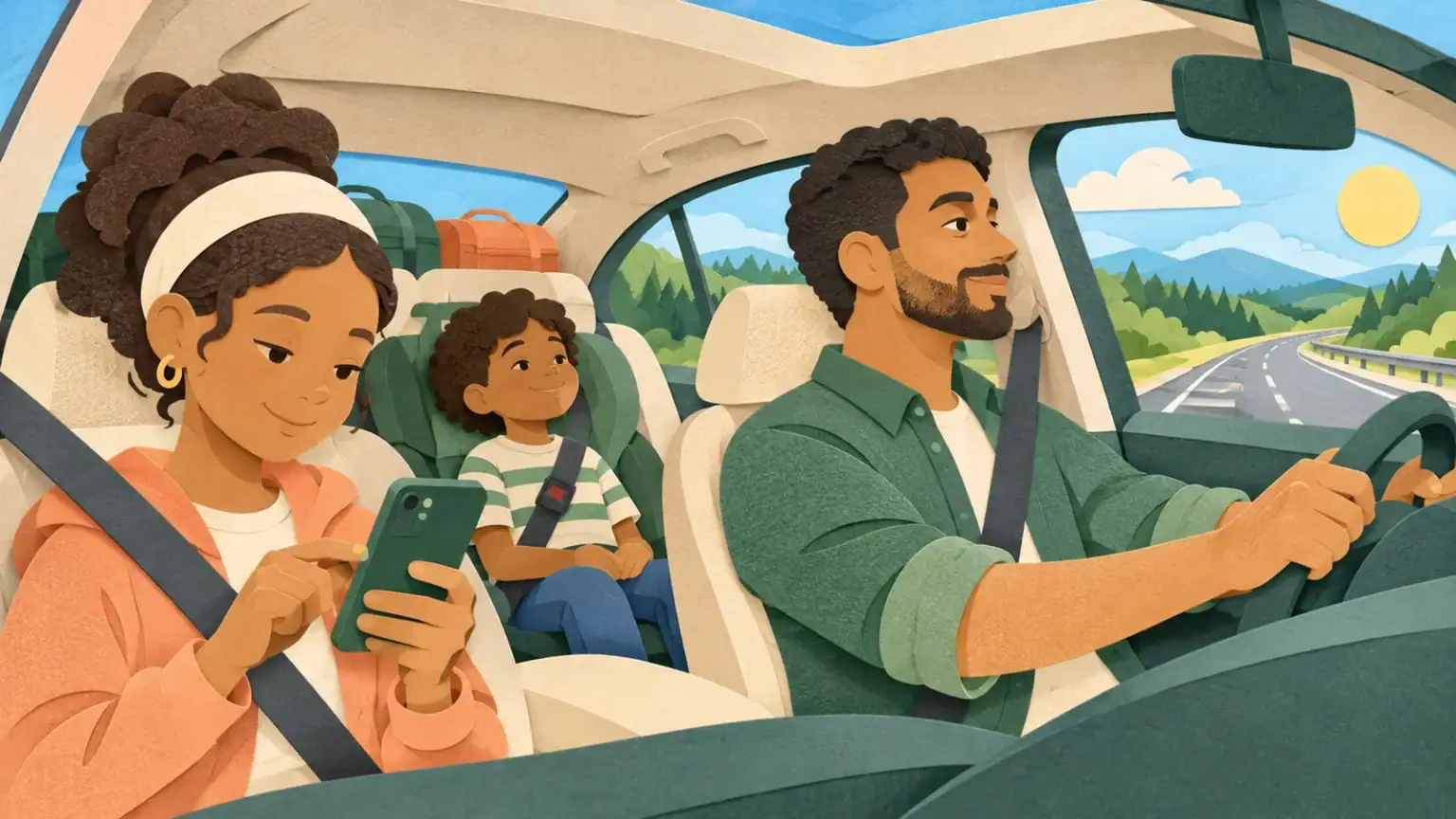
A podcast can make a long drive feel shorter, but choosing episodes, fixing Bluetooth or settling an argument can pull attention away from the road. The safest setup happens before the vehicle moves. Once the trip begins, the driver’s only job is driving.
Build the queue while parked
Choose and download the episodes at home or while the car is safely parked. Check the total running time, remove explicit material and turn off autoplay. Set the volume before departure and make sure directions remain easy to hear. If the app needs repeated taps, use a simpler playlist or let silence fill the gap.
The US National Highway Traffic Safety Administration describes entertainment and navigation interactions as possible distractions and stresses that driving requires full attention. That means the driver should not search for a show, read a title, type a password or troubleshoot a connection while the car is moving.
Give control to a passenger—or wait
If another adult or a responsible older child is present, they can be the “audio captain.” Their job is limited: start the prepared queue, pause it when asked and leave complicated problems until the next stop. A passenger should not hold a screen where it blocks the driver’s view or keep asking the driver to make choices.
When there is no suitable passenger, use controls that require no visual attention only if they are already familiar and lawful where you live. Voice controls can still be mentally distracting. If anything becomes confusing, the safe script is, “We will fix it when we stop.”
Agree on three car rules
- Anyone may ask for a pause. A child may feel carsick, frightened or overwhelmed without being able to explain immediately.
- The driver does not debate the episode. Save questions and disagreements for a rest stop or after arrival.
- No surprise next episode. When the queue ends, it ends. Autoplay stays off.
For a family with mixed ages, choose one short shared episode and let each child bring a quiet non-screen alternative. The baby may need calm sound or no sound; a preschooler may need a simple story; an older child may prefer headphones. If headphones are used, keep the child able to hear safety instructions and avoid unsafe volume.
Plan for content that goes wrong
If an episode suddenly becomes frightening or inappropriate, pause it without trying to locate the exact moment while driving. Say, “That is not right for us. We are stopping the audio now.” Later, invite the child to explain what they heard. The pause, wonder and stop routine can help when you listen together off the road.
If children argue about the choice, do not let the car become the place for a long vote. Use a rotation decided before the trip, or choose no podcast until the next planned stop. Fairness does not require solving every disagreement at motorway speed.
A two-minute departure check
- Phone mounted or stored according to local law.
- Episode downloaded and queued.
- Autoplay and unnecessary notifications off.
- Volume tested; navigation instructions audible.
- Passenger controls assigned, if appropriate.
- Everyone knows the pause signal.
For a child who enjoys creating audio, you might play a short private family story podcast prepared before the trip. Familiar voices can be engaging without requiring a search on the road.
Adapt the plan for different needs
A child who becomes carsick may prefer no audio or a very steady voice. A child with sensory sensitivities may need lower volume and advance warning about music. Build in quiet stretches on long journeys. If a passenger uses hearing technology, agree on a comfortable setup before leaving and make sure urgent instructions can still be heard. The safest plan is the one everyone can follow without asking the driver to solve new problems on the move.