
By EdCaptain editorial desk · Published
A character announces that the mystery is solved, but your family has not heard the mystery yet. Or yesterday’s story ends on a cliff-hanger and today’s play button starts an interview with the cast. Before asking your child to concentrate harder, check whether the app is giving you the story in the intended order.
This is a setup guide for adult caregivers. It helps with a continuing story spread across episodes; it does not select a suitable show for every child. Preview the content separately, then sort out where to begin and what should follow.
First find the publisher’s starting point
Open the official show page or publisher website. Look for “start here,” a season guide, episode numbers or a description explaining whether each instalment stands alone. Avoid reading detailed summaries of later episodes if you want to preserve surprises.
Apple’s guidance for podcast creators distinguishes episodic shows, which can generally be heard in any order, from serial shows intended for sequential listening. It also explains that seasons, trailers and bonus episodes affect how a show is presented. A prominent play button is therefore not a reliable substitute for checking the starting episode.
For a new listener, confirm the beginning of the story, not simply the beginning of the season currently displayed. Some seasons continue an earlier plot; others begin a different adventure. The publisher’s description is more useful than guessing from the artwork.
Separate three different lists
The episodes visible on screen may not be the same list the player is about to use. Identify:
- The show’s catalogue: the published episodes available for that show.
- Your current view: perhaps only downloads, saved items, unplayed episodes or one season.
- The playback list: what is queued to follow the episode now playing.
If Chapter 2 appears to be missing, return to the full show catalogue before concluding that it was never published. Check season selection and any active filters. An episode may also be unavailable through your service or require a subscription; do not assume every absence is a sorting problem.
Write down the last episode your family actually finished. An app’s “played” status can be useful, but it cannot tell you whether everyone heard the ending.
Use an order setting, then verify the result
Look for episode order or sorting controls on the show page. “Oldest first” can be a useful starting point when publication follows the story, but it is not proof of narrative order. Reissues, trailers, season previews and extras still need checking against the publisher’s guide.
As one current example, Apple’s iPhone guide describes opening Podcasts, going to Library and Shows, touching and holding the show, then opening Settings and choosing an Episode Order option. Apple says remaining episodes play in that order when playback starts from the show page.
That instruction applies to Apple Podcasts on iPhone; names and controls differ between apps and versions. Use your app’s current help rather than expecting the same menu everywhere. After changing a setting, inspect the next item in the player instead of assuming the displayed sort has fixed an existing queue.
Build a short story sequence you can check
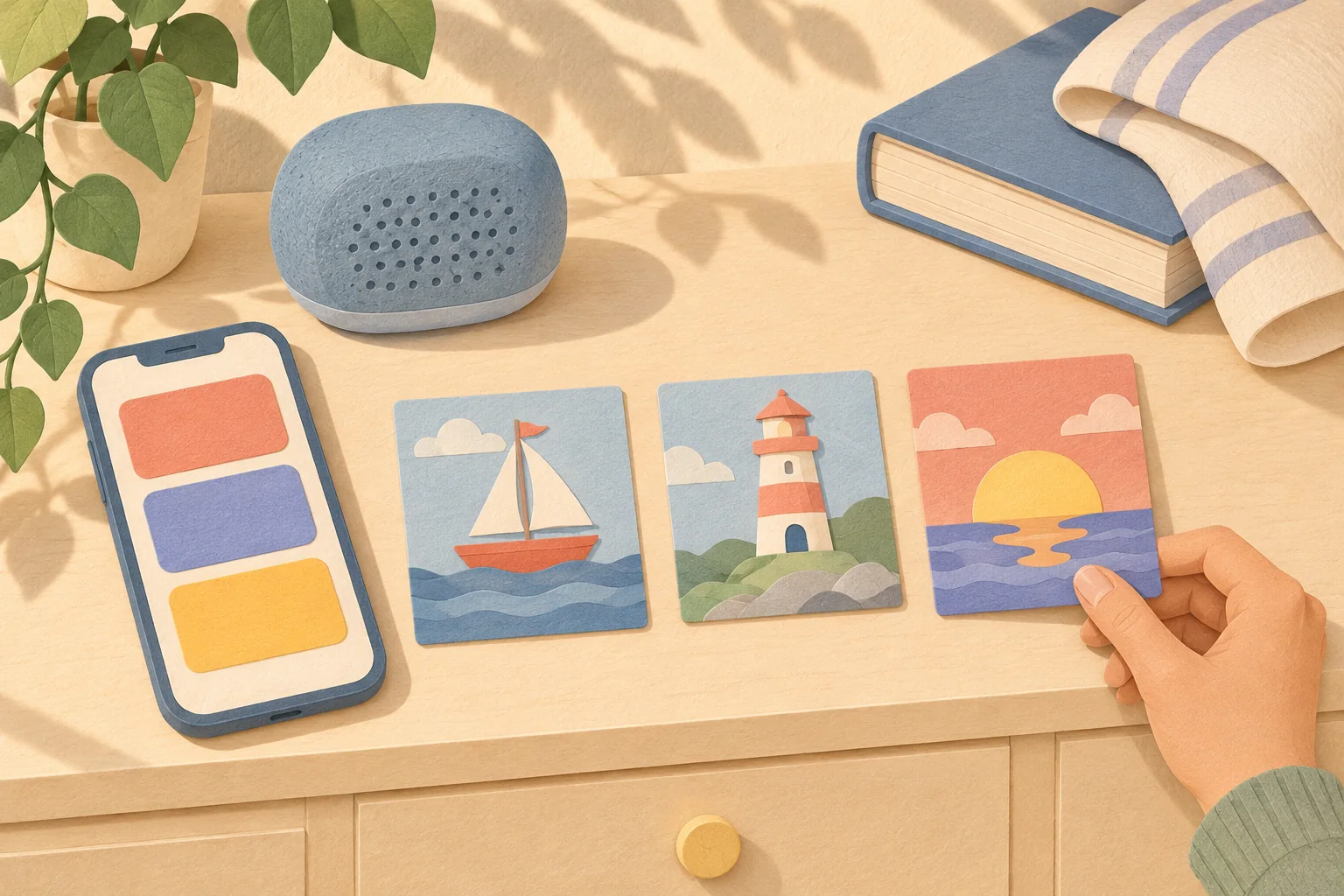
Choose only the next episode or small set you intend to hear. If the app supports a queue or playlist, put those entries in the intended order and remove unrelated items from that listening session. Read the actual titles back after adding them.
For an invented example, suppose the publisher lists:
- Season 1, Chapter 1: The Empty Harbour.
- Season 1, Chapter 2: The Light Returns.
- Season 1, Chapter 3: The Visitor.
A “Meet the Cast” bonus released between Chapters 1 and 2 is not automatically the next chapter. It may be enjoyable later, but keep it out of this sequence unless the publisher says it belongs there.
If you cannot make the app maintain a dependable list, use a small written note with the exact next title and select one episode manually. That can be simpler than rebuilding the whole library. You do not need a new app or paid account just to keep a place in the story.
Try the transition before the family listens
Without playing a later chapter’s ending, check what the player identifies as next. Confirm the show, season and episode, not just a similar thumbnail. If the title does not match your note, stop and correct the list.
If the screen is difficult to read, enlarge text or use the device’s established accessibility tools. A short audio note naming the next episode can serve the same purpose as paper. Keep that note outside the public review or comment area; it is a household bookmark, not something to post.
Content suitability remains a separate check. Our podcast preview guide covers tone, descriptions and a stopping point. Correct order does not make an unsuitable story appropriate.
Keep a bookmark another caregiver can use
At the end, record the show, season, exact episode and whether it was finished. If you stopped partway, note the approximate playback position and a brief non-spoiler cue. For example: “Stopped just after the knock at the door.”
Distinguish “next to start” from “last finished.” A shared note saying only “Chapter 4” leaves the next adult guessing. If family members listen separately, keep separate places rather than marking a chapter finished for everyone.
When someone loses the thread, offer a short recap, return to the last familiar point or choose another story. Avoid turning the repair into a memory test. Our shared-listening routine makes room to pause and ask what would help.
Once the sequence works, leave a clear next title and return to the story. The point of organising the episodes is to make listening easier, not to make the family maintain a perfect podcast database.
Sources and further reading
- Apple Podcasts for Creators: episodic and serial shows, seasons, trailers and bonus episodes
- Apple iPhone User Guide: episode playback order and podcast library views
Read our editorial policy.