
Autoplay is convenient until a carefully chosen episode rolls straight into something louder, older or simply harder to stop. You do not need to audit an entire catalogue before your child presses play. A short preview and a clear stopping plan can make podcast time feel predictable without turning it into a negotiation.
Start with the child, not the chart position
Ask what your child wants from the listening time: a funny story, facts about animals, a quiet voice while drawing, or something to discuss together. Then choose one episode that fits that purpose. A popular show is not automatically the right match for your child’s age, sensitivities or current mood.
For preschoolers, listen for sudden noises, frightening villains and complicated ads. For primary-age children, check whether jokes depend on teasing or stereotypes. Older children can help assess a show: “What do you think this is trying to make you feel or buy?” A teen may want privacy, but you can still agree on shared criteria for trustworthy hosts and age-appropriate material.
Use a five-minute preview
- Read the description and episode notes. Look for an intended age, topic warnings and whether the episode is part of a continuing story.
- Play the opening. Notice the pace, volume, vocabulary and whether an advertisement arrives before the content.
- Jump to the middle and final minutes. This can reveal tonal changes, cliff-hangers or a sales message hidden near the end.
- Check the publisher. Look for a clear organisation or creator, contact details and a privacy explanation if the app asks for an account.
- Choose the endpoint. Add one episode to a queue rather than handing over an endless feed.
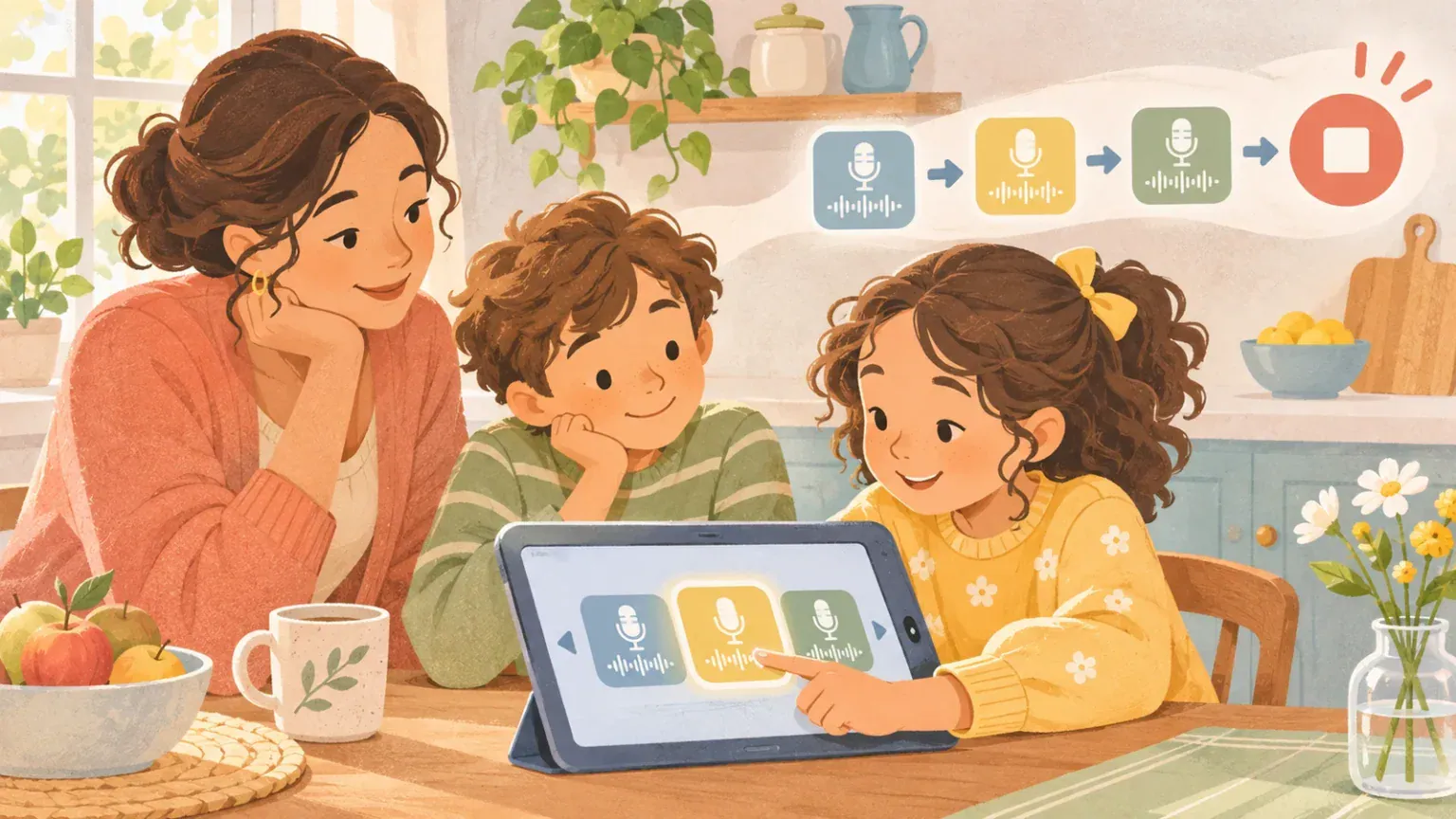
If you are unsure, listen together the first time. The pause, wonder and stop listening routine gives you simple moments to check understanding without constantly interrupting.
Turn off the features that remove the pause
Disable autoplay where the app allows it. Turn off notifications that announce new episodes during homework, meals or bedtime. Download the chosen episode before a journey so you are not searching while moving. These small settings create a natural decision point: when the episode ends, everyone can choose what happens next.
The American Academy of Pediatrics’ family media guidance recommends planning media use, choosing quality content and turning off autoplay and notifications. The aim is not perfect control. It is to put a human pause between one piece of content and the next.
Give children a useful way to say no
A child may not have the words to explain that a voice, sound effect or topic feels wrong. Agree on a simple signal such as “pause please” or a raised hand. Stop first; ask questions second. You can say, “You do not have to finish it. Was it too loud, too scary, confusing, or just not for you?”
For children who use limited speech, offer a two-card choice: keep listening or stop. For a child sensitive to sound, keep the volume low, avoid headphones unless they prefer them, and preview for abrupt effects. Accessibility is part of suitability, not an extra test at the end.
Make a small family shortlist
Keep two or three approved shows rather than dozens. Record why each one works: “short animal facts,” “calm story,” or “good for the whole car.” Review the list as interests and abilities change. If an episode makes a health claim, use a separate process to check podcast health advice before acting.
A useful final question is: “If this episode ends and another begins, would I still be happy with the choice?” If the answer is no, switch off autoplay and queue only what you have chosen.