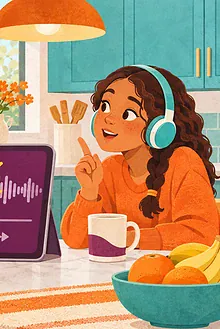

A podcast does not have to be audio-only in practice. A good transcript can let a child read unfamiliar names, search for a missed idea, follow along at their own pace or take part without listening at all. It is a participation option, not a test of whether they listened “properly.”
Who may benefit from a transcript?
The Web Accessibility Initiative explains that transcripts can serve Deaf and hard-of-hearing people, people with auditory processing difficulties and people who prefer or need text. They can also help a child learning the podcast’s language, a reader who wants to check a quotation, or a family listening in a noisy place.
Ask the child what helps. One child may want the full text on a tablet; another may find simultaneous reading and listening exhausting. A child with dyslexia may prefer larger text, more spacing or text-to-speech. Accessibility is individual, so offer options rather than assuming one format works for everyone.
Check the transcript before relying on it
- Does it identify speakers clearly?
- Are important sounds described, such as a door slam or change in music?
- Are names and technical words spelled correctly?
- Can you search, copy or print it?
- Is it a human-edited transcript or an automatic draft with likely mistakes?
Automatic captions and transcripts can mishear children, accents, overlapping speech and uncommon words. Treat them as a navigation aid unless the publisher says they were checked. If accuracy matters—especially for health, legal or safety information—compare the wording with the audio and a reliable primary source.
Three ways to use the text
Before listening
Scan headings or the opening paragraph. Circle names, places or vocabulary that may be new. For a child who finds surprises difficult, preview the topic and any intense section. This is preparation, not spoiling the experience.
During listening
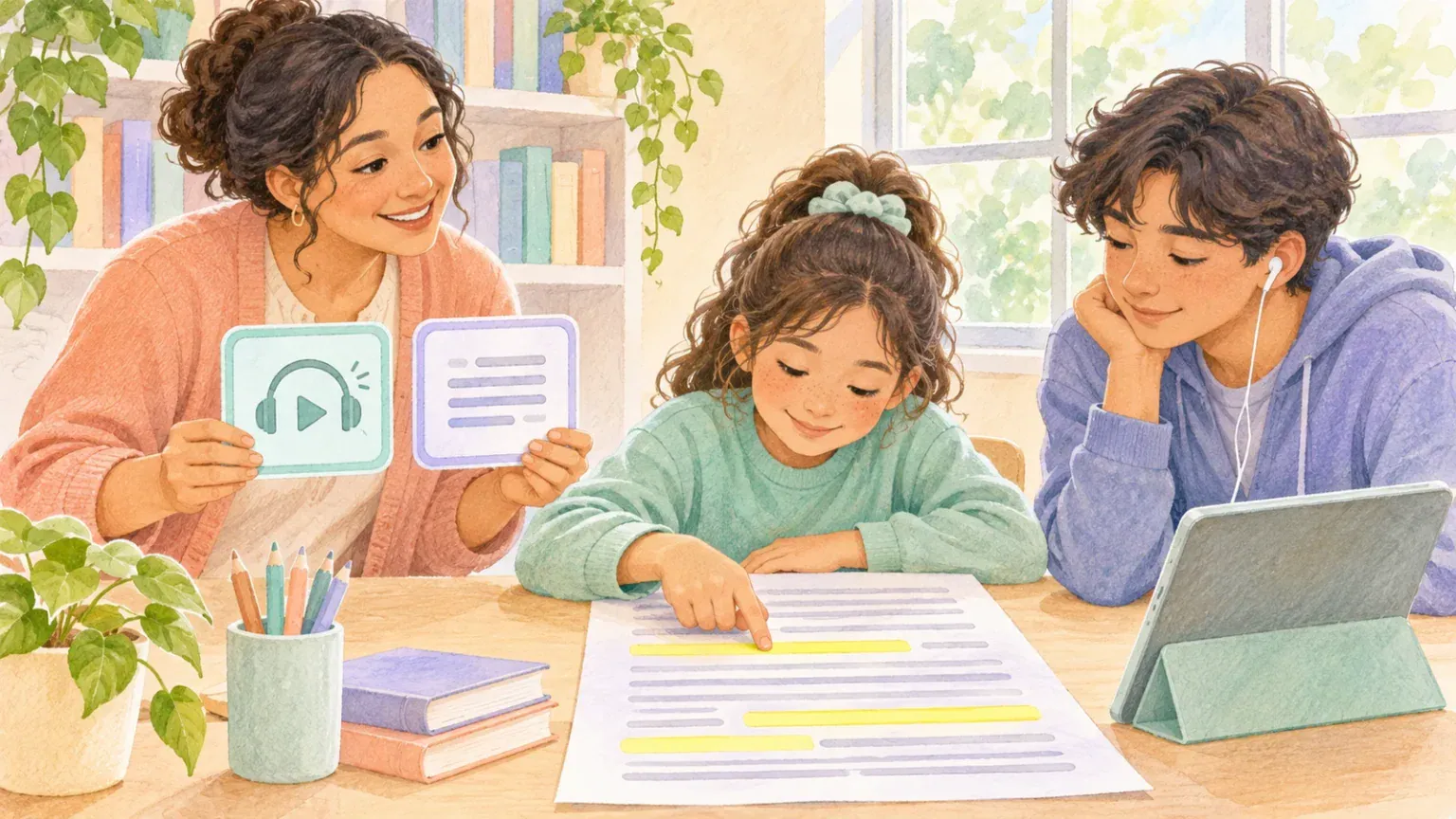
Let the child pause and find their place. Highlight one sentence, not every word. If keeping up becomes stressful, turn off the audio and continue with the transcript. The goal is access to the meaning, not perfect synchronisation.
After listening
Search for the moment the child wants to discuss. Copy a short quotation into notes, then return to the surrounding lines so it is not taken out of context. The pause, wonder and stop routine can be adapted so the child points to a line instead of answering aloud.
Make a transcript easier to use
Increase font size and line spacing, use a plain typeface, reduce visual clutter and print only the relevant pages. Add colour to speaker names if that helps, but do not use colour as the only cue. A child who uses a screen reader may need a clean web page or properly structured document rather than an image of text.
For younger readers, an adult can summarize one section or turn it into three picture cards. Older children can divide a long transcript into chunks and add their own subheadings. If the podcast has no transcript, ask the publisher whether one is available. Do not publish your own full copy of copyrighted material without permission.
Let children choose how to respond
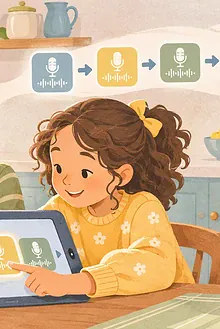
Participation might mean speaking, typing, selecting a line, drawing a scene or simply listening. A private family audio story can also be planned with a simple script so every contributor knows when and how they want to join.
The best accessibility question is direct: “Would you like the audio, the words, both, or a summary?” Then believe the answer, and make it easy to change midway.
Respect privacy when sharing text
A transcript may contain names, personal stories or links that a child should not post publicly. Discuss where copied passages will go, keep school or family notes private when appropriate, and link to the publisher rather than redistributing a complete transcript. If the text describes a child contributor, avoid combining it with identifying details. Access should widen participation without creating a new privacy problem.