

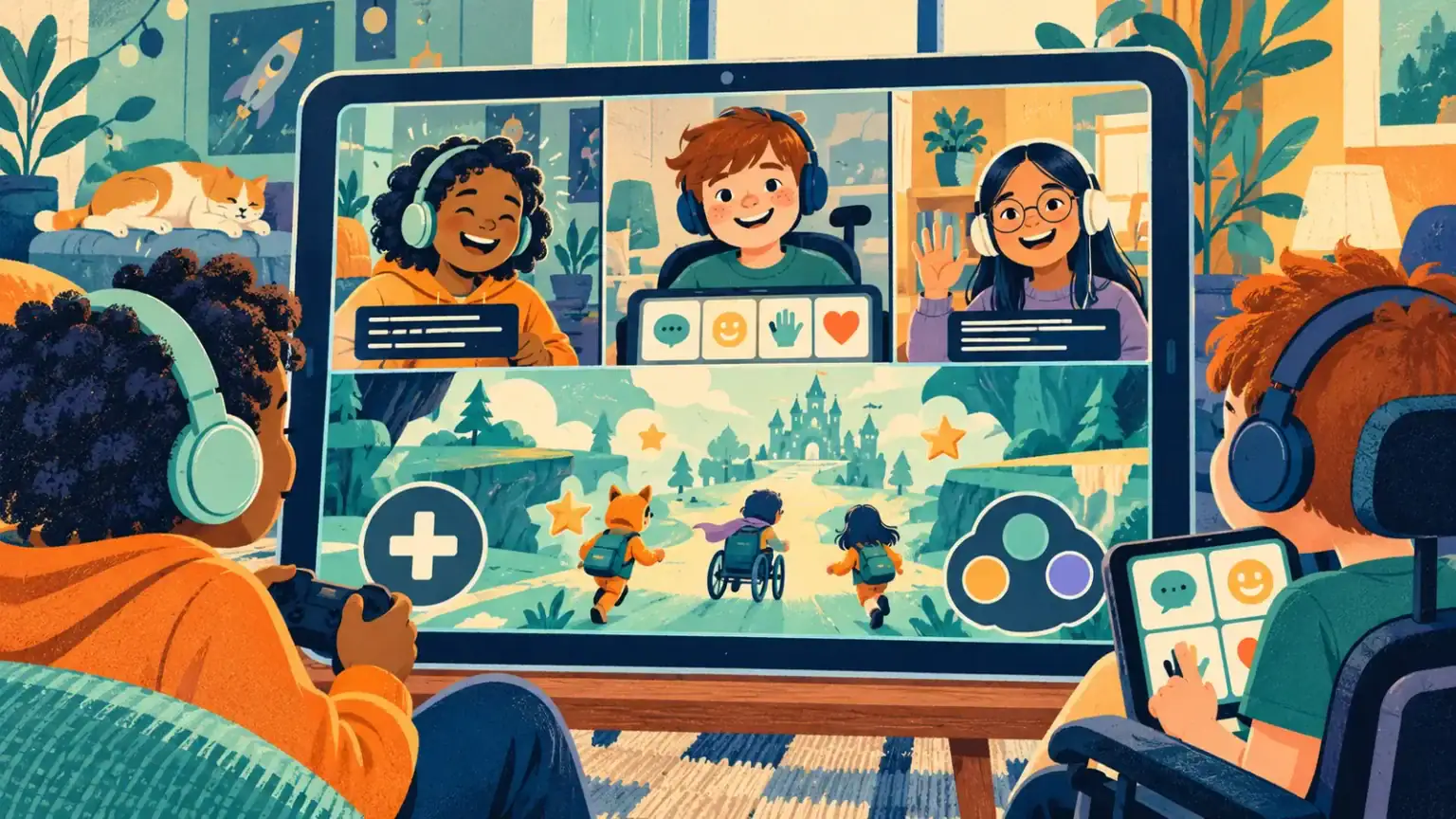
Online play can open a social door when travel, fatigue, noise or inaccessible buildings make in-person meetups difficult. It can also create new barriers: fast voice chat, tiny controls, flashing effects, uncaptioned video or friends who move on before a child has time to respond. The best setup starts with the child’s chosen activity, not with a list of impressive features.
Ask what “joining” means to your child
One child wants to compete; another wants to build quietly beside friends; another prefers watching and commenting. Do not assume voice chat is required. Agree on the goal for this session and one sign that it is working, such as making two choices, staying for twenty comfortable minutes or finishing a shared level.
Test access before friends arrive
- Try keyboard, controller, touch, switch or alternative pointer settings on the actual game.
- Turn on captions and check their size, contrast and speaker labels.
- Reduce motion, camera shake, flashing, music or background effects where possible.
- Place AAC, a text-chat window or prepared phrases where the child can reach them.
- Check that the child can leave, mute, block or ask for an adult without several complex steps.
Built-in tools are often a useful first trial; see trying accessibility tools already on the device. Keep the child’s main communication system available throughout the hangout.
Design the social pace, not only the technology
Tell friends what makes the group easier without sharing private medical information: “Let’s wait after a question,” “Use text for important plans,” or “Say who you are before speaking.” Use turn-based modes, cooperative goals or a host who pauses between rounds. Friends can learn that silence does not mean disengagement and that a typed answer counts just as much as a spoken one.
Agree on a reset phrase—“pause game,” an emoji or a card held to camera. Anyone may use it. Plan a break after a known number of rounds rather than waiting for overload. For children with sensory sensitivity, adapt ideas from a calm plan for sensory overload.
Keep ordinary online safety in place
Use age-appropriate accounts and privacy settings, know who is in the group, and limit direct messages from strangers. Teach the child never to share passwords, addresses, school details or private images. A parent can stay nearby for younger children without taking over every conversation. Older children need growing privacy plus a clear way to get help if someone pressures, threatens, excludes or asks for secrecy.
Save evidence and block or report harmful accounts when needed. If an unexpected upsetting image appears, stay calm and stop further exposure; our guide to responding to frightening online content outlines the first steps.
Protect dignity when support is visible
Do not announce a child’s diagnosis to justify slower play. Ask what they want friends to know. If an adult provides physical or technical support, keep decisions with the child: “Which world do you want?” rather than choosing for them. Avoid praising peers merely for including someone; notice the shared joke, strategy or creation instead.
Review one barrier at a time
Afterward ask which part felt easy, tiring or unfair. Change a single variable next time: shorter sessions, fewer players, larger captions or a different game mode. Accessibility is not a one-time certification. It is an ongoing agreement shaped with the child.
Check friendship quality as well as technical access. Is the child invited when no adult arranges it? Do other players wait, share jokes and accept their choices? If not, talk with the organizer about turn-taking and expectations rather than telling the child to try harder. Access to the platform matters, but belonging is built by how people behave once everyone arrives.