
- Name the barrier and the task
- Agree on success and stop signals
- Try three ordinary examples
- Inspect predictable failure points
- Protect disability and education data
- Keep human and non-AI fallbacks
- Review after the novelty fades
- Sources and further reading
- Consider the social cost
- Do not confuse correction with training
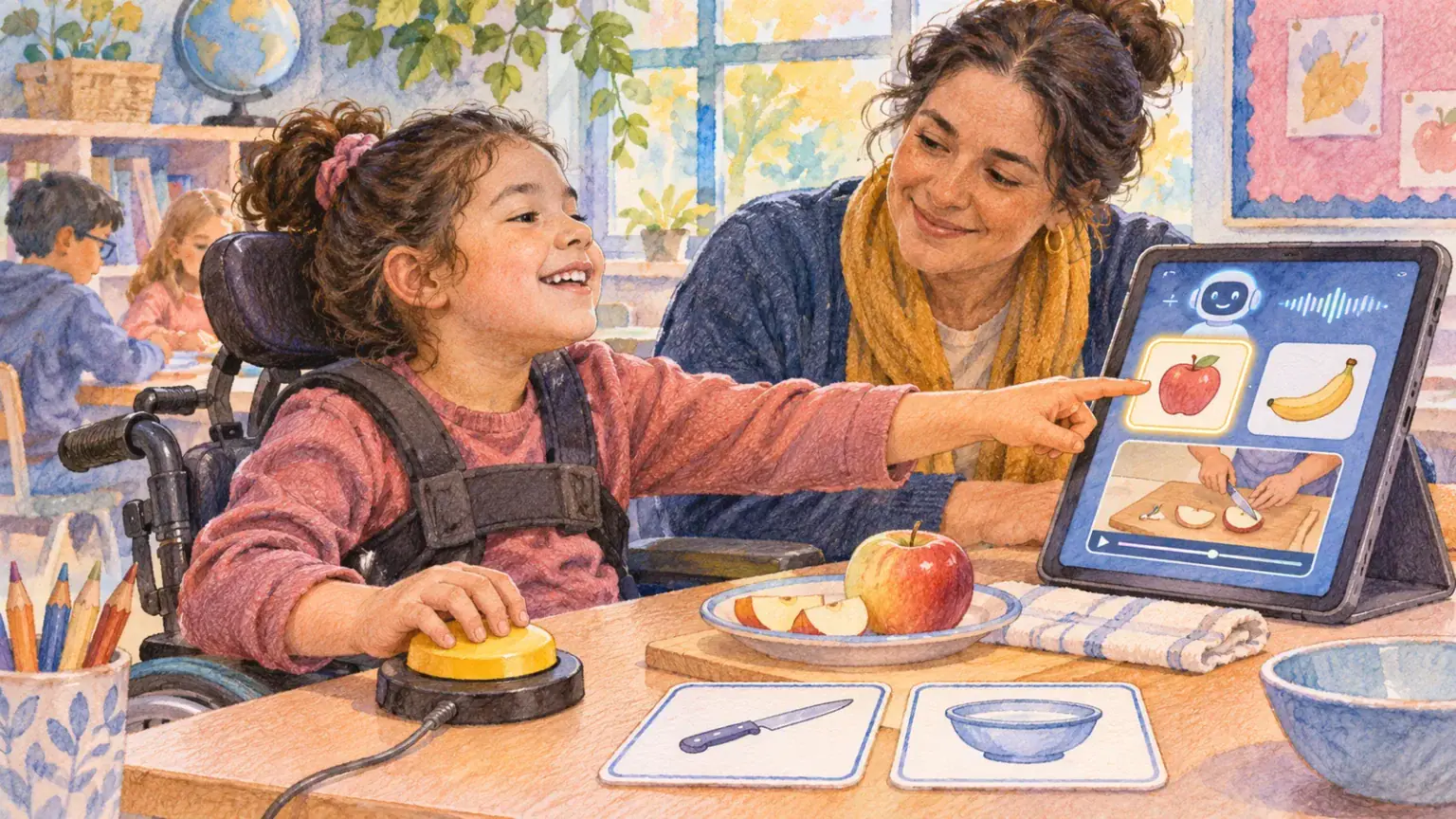
An AI feature may promise captions, descriptions, simplified text, predictive writing or communication support. The promise matters less than whether it helps this child complete a real task with dignity and control. Accessibility testing should happen with the child, not around them.
Name the barrier and the task
Instead of asking whether a tool is “good for disability,” define the situation: following a fast classroom discussion, understanding a dense page, describing an image, drafting a message or communicating when speech is difficult. Ask the child what currently works and what they want to change. Do not assume faster is always better.
Agree on success and stop signals
Choose two or three observable goals: fewer missed instructions, easier correction, less fatigue, or more independent choice. Also agree when to pause—pain, overload, repeated misrecognition, exposure of private information or the child simply saying no. A feature is optional support, not a test the child must pass.
Try three ordinary examples
- A simple familiar task, to learn the controls.
- A typical task from school, home or a club.
- A slightly difficult task that reveals how the feature handles errors.
Compare with the child’s current method. Record what assistance was needed, not just whether the final answer looked correct. If the tool changes the child’s words, ask whether the result still sounds like them.
Inspect predictable failure points
Captions may struggle with accents, names or background noise. Image descriptions can omit context or introduce stereotypes. Simplification may remove essential detail. Prediction may steer language toward common phrases. Test the child’s own vocabulary, language, environment and access method rather than relying on a demonstration.
Protect disability and education data
Find out whether audio, images, documents or corrections leave the device. Use invented samples before uploading personal material. Avoid sending education plans, medical records or private communication unless the tool is approved and the family understands retention, sharing and deletion. Follow age requirements.
Keep human and non-AI fallbacks
Make sure the child can request another format, human captioning, an interpreter, extra time, a communication partner or a familiar device. A school or programme remains responsible for appropriate access; a consumer AI tool should not become the only accommodation.
Review after the novelty fades
Try the feature for a limited period, then ask: Would you choose it again? What did it get wrong? Did it make the task easier or merely different? Keep, change or stop it based on the child’s answer and the evidence from real use.
Use the comparison method in the read-aloud accessibility check and the privacy audit in the connected-device guide.
Repeat the same task on another day when practical. Consistent benefit matters more than one unusually good demonstration, especially when noise, fatigue or connectivity changes.
Sources and further reading
Consider the social cost
A feature can technically succeed and still make a child stand out, require repeated explanations or expose private text on a shared screen. Ask whether headphones, device placement, display settings or a different workflow would give more control. The child’s comfort is part of accessibility, not an optional extra.
Do not confuse correction with training
Some systems invite users to correct captions, labels or predictions. Find out whether those corrections are stored or reviewed. A disabled child should not have to donate personal data or unpaid labour to make a product usable. Submit only non-identifying examples when reporting errors.
Summarize the trial in plain language: task, feature, what worked, what failed, privacy setting, support required and child’s decision. Share it only with people who need it. If the tool is adopted, set a review date and keep the right to stop without treating discontinuation as a loss of progress.
The child’s choice remains central.