By EdCaptain editorial desk · Published
A child hears a digital assistant answer a question and asks, “Why is the helper a woman?” It is a useful moment to separate three things: the sound coming from a device, the choices people made when designing it, and the expectations we have of real people.
For children aged 6–12, try: “It has a voice that you hear as a woman’s voice. That doesn’t make it a woman. People designed the tool and its sound. Helping, knowing things and making decisions don’t belong to one gender.” You do not need to buy a smart speaker or let a child use an AI account to explore the question.
Start with the sound your child noticed
Ask, “What made you think that?” They might mention a name, pitch, picture or the word “she” that an adult used. Listen without turning the answer into a test of whether your child holds the right beliefs. Children are trying to explain patterns they encounter.
Use accurate, ordinary language: “The assistant,” “the app” or “this tool.” If you have called it “she,” you can clarify without making a fuss: “That is a habit I picked up. We’re talking about software, not a person who has told us who they are.”
Do not teach children to identify a real person’s gender, competence or personality from a voice. A person can tell us how they want to be addressed. A device’s sound is part of its presentation.
Name the design question without making a market-wide claim
In recommendations published in 2019, UNESCO questioned the pattern of giving digital assistants female names and voices alongside an always-obliging personality. It urged companies to move away from female defaults, make the technology’s non-human status clear and discourage gender-based abuse.
That is a dated critique, not a description of every product available today. Avoid telling a child that all digital assistants sound the same or that you know why a particular company chose its current voice. Instead ask: “What message might people get if the helper always sounds like a woman and never gets to disagree?”
A helpful voice is not itself a problem. The concern is the rule a child might infer: women are there to serve, while someone else decides. People of any gender can help, lead, repair, teach or say no.
Keep a tool’s response separate from a person’s consent
“But it does whatever I tell it,” a child may say. Explain the distinction: “A tool carries out some tasks because people built it to do that. A person has their own needs, choices and limits. You don’t get to order someone around because of their voice or gender.”
A machine’s polite answer is not evidence that a rude request was acceptable. Equally, a child does not need to worry that an unplugged speaker feels lonely or that an assistant’s feelings have been hurt. UNICEF’s parenting guidance on AI recommends explaining familiar tools in simple terms, including that they do not think or feel the way people do.
If a child uses an insult, set the family boundary without pretending the device is human: “We don’t practise putting women down. Tell me what you wanted the tool to do.” You need not provoke an assistant with abusive prompts to find out how it responds.
Make a paper helper with more thoughtful rules
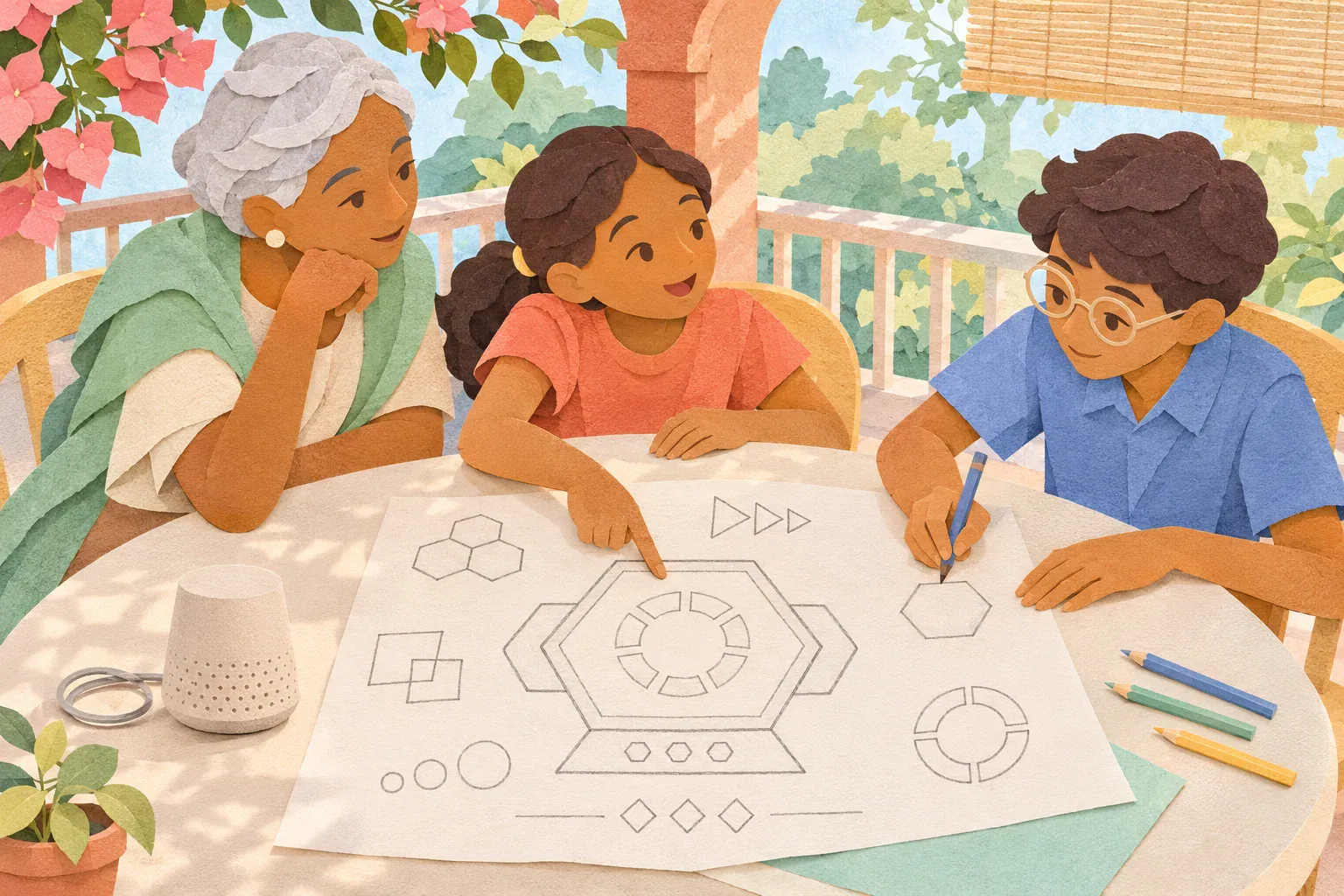
This optional ten-minute activity works entirely offline. You need a sheet of paper and a pencil or crayons. An adult can draw or write; no recording, cutting or account is needed. Put connected microphones out of use for the conversation, following the device’s own mute or power instructions.
- Choose one job. Invent a tool that times a pretend garden-watering turn, announces a board-game round or reminds someone to check a plant. Keep it fictional; do not rely on it for medicine, safety or real supervision.
- Draw its form. It might be a coloured shape, a small box or a screen with symbols. Ask whether it needs a human face or gendered name to do its job. There is no single correct design.
- Choose the communication. Discuss a light, large symbol, vibration or spoken message. Who might miss that signal? Offer more than one way of receiving it. Do not require children to imitate a “male” or “female” voice or mock an accent.
- Write an honest introduction. For example: “I’m a timer tool. I can signal when this pretend turn ends. I cannot tell whether the plants need water.” An adult can read it aloud.
- Add a limit and reflect. Ask, “What should our tool say when it cannot help?” Then ask what tells a user it is a tool rather than a person. Let the child change one design choice and explain why.
For ages 6–9, keep one job, one picture and one limit. For ages 10–12, compare two designs: does either suggest that helping requires a particular gender, or that a friendly sound means the answer must be right? Children can point to choices, dictate, use a communication device or describe a design instead of drawing.
If your family already uses a voice assistant
You can notice its presentation without running a long experiment. Ask what the name, icon and voice suggest, and what they cannot tell you about the answer’s accuracy. A different voice alone does not establish that a product is fair, private or suitable for a child.
Adults should check the actual model’s settings and documentation rather than assuming every product offers the same controls. Our guide to auditing a connected toy or voice assistant for privacy covers the separate questions about microphones, stored information and permissions.
If the spoken answer becomes part of homework, use a child-friendly AI fact-check routine. Keep names, school details, private worries and other people’s information out of a demonstration. None of this activity requires a new purchase or direct child access to an AI service.
You can finish with one question: “Could someone design this differently?” That shifts the conversation from accepting a gendered helper as natural to noticing choices—and remembering that real people get choices too.