
By EdCaptain editorial desk · Published
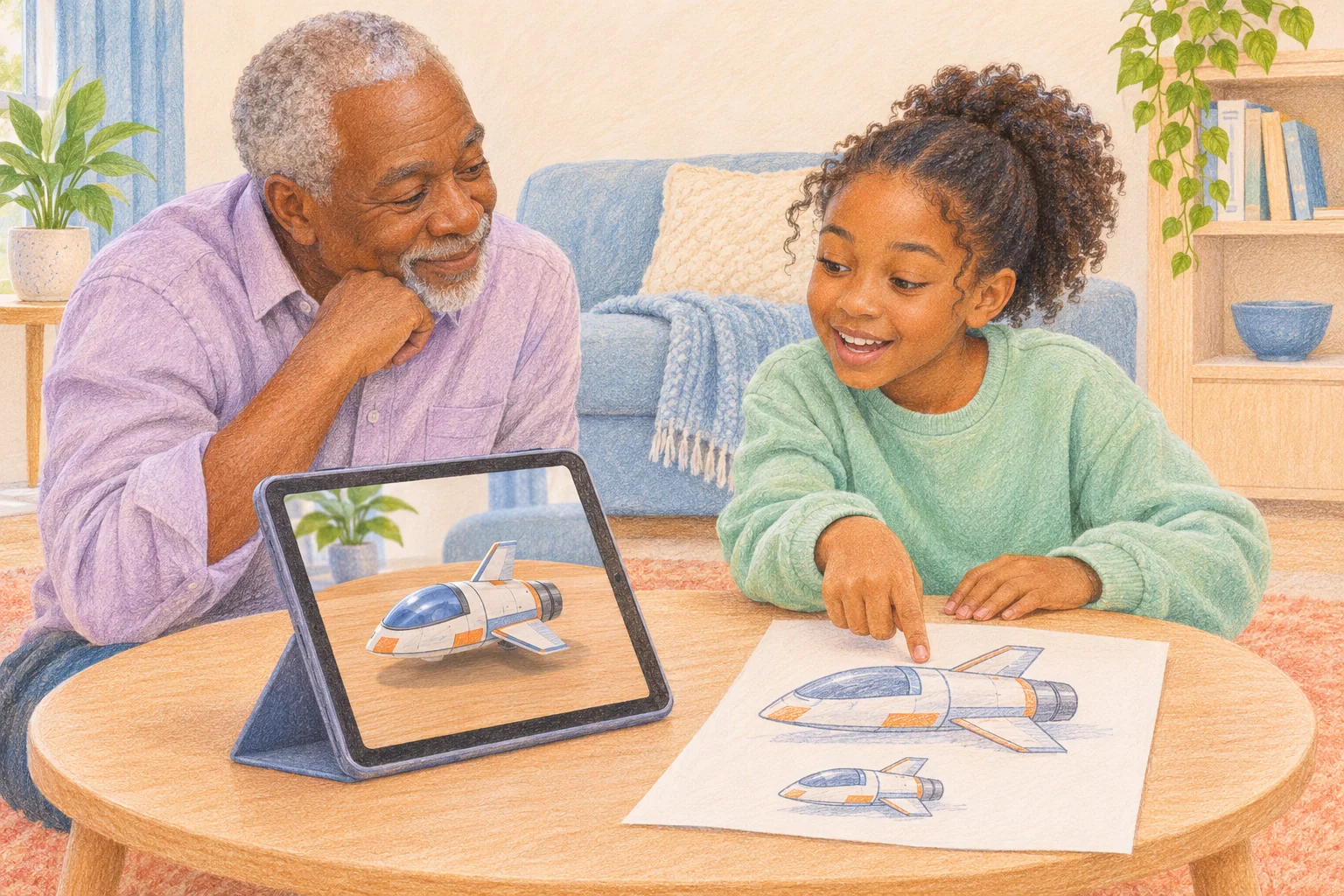
A spacecraft appears beside the sofa on a phone screen. Your child is delighted: “So it could fit in our house!” It is a reasonable conclusion from an image that places a familiar room and an unfamiliar machine together. Before correcting them, ask what tells us the spacecraft’s size.
This short investigation is for ages 6–12 with an adult. The child compares representations and explains a conclusion; the adult manages the device, permissions and physical space. No headset, child account or purchase is needed for the paper version below.
The room looks familiar. The scale still needs checking.
Augmented reality, or AR, can place a digital model into a view of the world around you. That can help you explore its appearance, but the setting alone does not establish the model’s scale.
NASA’s 2 November 2026 Eyes release notes describe a mobile “View in your space” feature for spacecraft in Eyes on Exoplanets. Users can place a model on a flat surface and change its size with a pinch gesture. That means an attractive view beside furniture does not, by itself, tell you the real spacecraft would fit there.
A separate tool, NASA’s Spacecraft AR app, is described as offering small or true-to-life proportions. These are different products; do not expect their controls to match. The useful habit is to check the current viewer’s information rather than assume every AR model begins at full size.
Prepare a small comparison
You need paper, a pencil or crayons, and optionally an adult-controlled phone or tablet with a suitable model viewer already checked by the adult. Allow about ten minutes, with permission to finish sooner.
For the digital option, start from the official provider’s page. Read the current requirements and age information, check the permissions requested, and preview the controls before involving the child. This is a source-based activity suggestion, not a claim that EdCaptain has tested a particular device or version.
Choose a stable, clear tabletop away from stairs, hot drinks and breakable objects. Stay seated if possible. Keep the camera view free of faces, private papers and identifying details. You do not need to save or share an image. If the feature will not work comfortably without moving around, use the paper option.
Compare, change, then explain
- Make a prediction. Ask, “Does this picture tell us how big the real spacecraft is?” Accept “I’m not sure”. Write the child’s answer in a few words without marking it right or wrong.
- Identify the representation. Name the spacecraft if the viewer identifies it. Say, “This is a digital model of it, shown in our space.” A name helps you avoid later checking the dimensions of a different spacecraft.
- Change only the model’s displayed size. If the viewer offers a resize control, an adult uses it while keeping the device and viewing position as steady as practical. Make the model smaller, then larger. Ask what changed and what did not.
- Look for scale information. Read any stated scale, full-size option or help text together. If none is clear, record “scale unknown”. Do not invent a scale from the sofa, table or a screenshot.
- Revise the answer. Try, “The display changed size. That did not change the real spacecraft. We need scale information or reliable dimensions before saying whether it would fit.”
If you move the device closer instead of resizing the model, name that as a different change. A bigger image on the screen is not enough to tell you which control or viewpoint changed. You can stop after identifying that uncertainty; the activity does not require a perfect demonstration.
A complete paper version
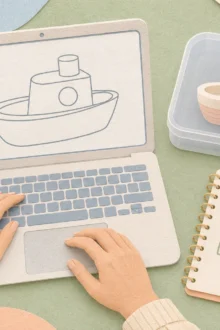
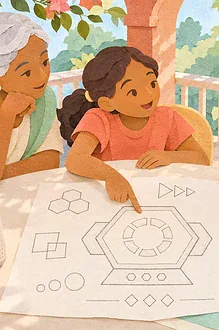
Draw a simple invented spacecraft twice on one sheet: one small drawing and one larger drawing with similar features. Neither needs to be accurate, and neither has an assigned scale. Keep both drawings flat on the table.
Ask the child which drawing looks bigger, then whether that proves there are two real spacecraft of different sizes. Explain that these are two representations of the same imagined object. Because you have not supplied a scale or real dimensions, the paper drawings cannot tell you its actual length.
Let the child dictate a caption such as “Same imagined craft, different picture sizes; real size not specified.” They can point, speak, draw or ask you to write. This version keeps the reasoning task without requiring camera access or a new installation.
Adapt the question, not the pressure
For ages 6–9, concentrate on one distinction: changing the picture does not change the thing it represents. Offer two choices if an open question is difficult: “Did the spacecraft change, or did our view of the model change?”
For ages 10–12, ask what evidence would support a real-size claim. They might want a clearly labelled scale or dimensions from the mission’s official information. Remind them to compare the same measurement: overall width is different from body width, and height depends on what parts are included.
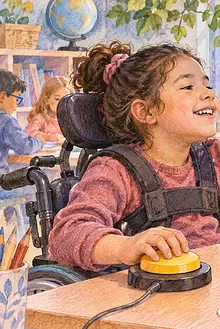
A child who finds the screen difficult to see can use large, high-contrast paper drawings and an adult’s description. A child with limited hand movement can direct the adult’s resizing or choose the caption. No one needs to walk around the model or hold a device for the whole activity.
Keep the useful part of the model
Finish with two sentences: “This view helps us notice…” and “This view does not tell us…”. An uncertain scale does not make the whole model worthless. It tells you which conclusion still needs evidence.
To explore a deliberately chosen physical scale next, try our family solar-system distance model. For a different question about what models represent, the build-and-test satellite activity separates a craft’s imagined purpose from what its cardboard parts can actually do.
Sources and further reading
- NASA: Eyes October release notes — mobile AR placement and resizing.
- NASA: Eyes tools — Spacecraft AR’s small and true-to-life representations.
- EdCaptain editorial policy.