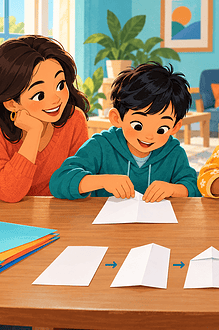

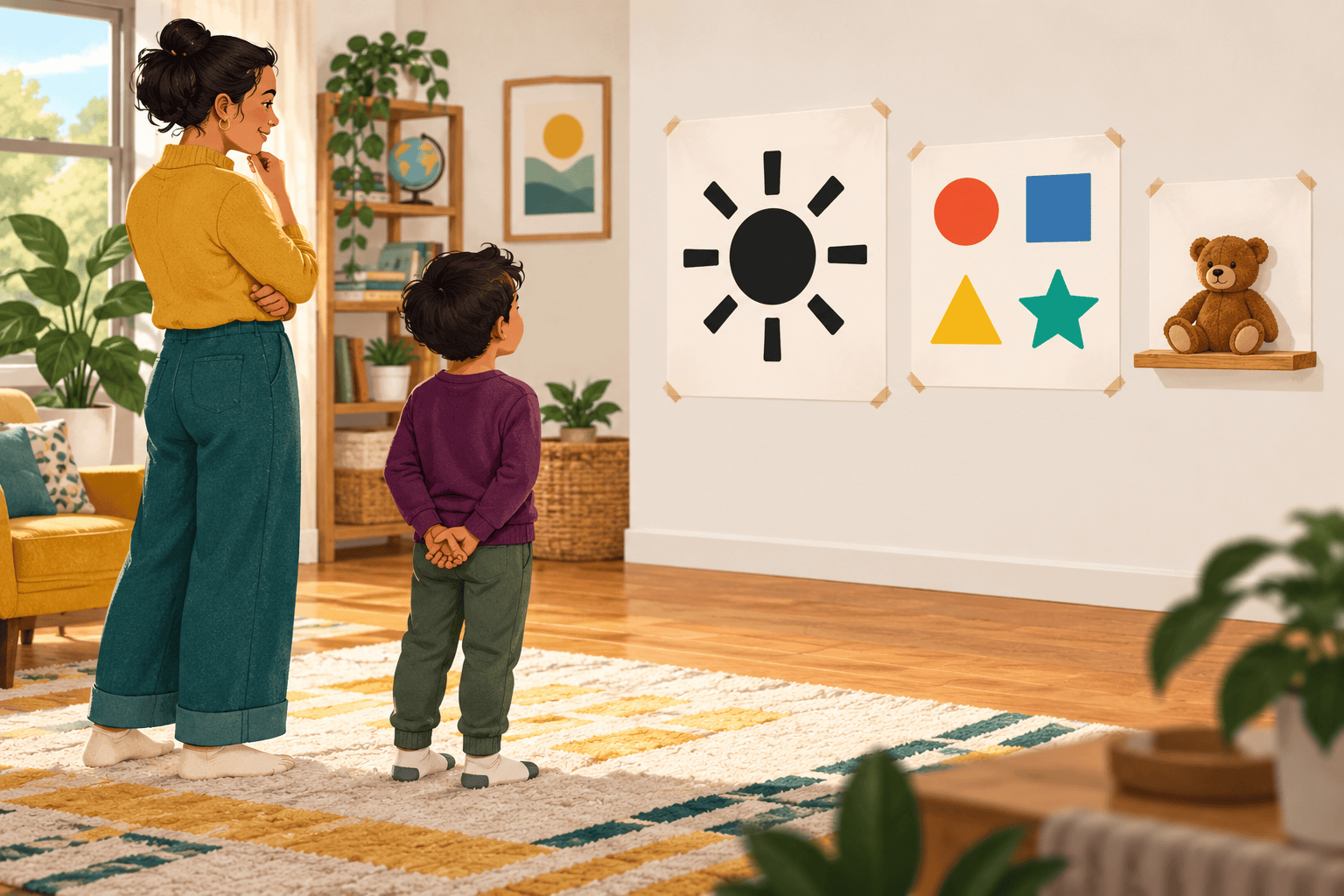
A visual aid should save the audience work. It can show the size of an object, the shape of a place, the stages of a process or the difference between two quantities. When a slide simply repeats every sentence, the audience has to choose between reading and listening.
Before opening presentation software or finding poster paper, ask one question: What will be easier to understand if the audience can see it? If there is no clear answer, the speech may not need a visual at all.
Match the visual to the job
- A real object works well for texture, shape, scale and demonstrations. Choose something safe and large enough to see.
- A photograph or drawing can show a person, place, animal or finished result that cannot be brought into the room.
- A map explains where something is or how places connect. Remove details that do not support the point.
- A chart helps compare a small number of quantities or show change. The speaker still needs to explain the conclusion.
- A sequence of pictures can make steps, a timeline or a story easier to follow.
- A slide is useful when projection genuinely helps. It is a container, not automatically the best visual.
Let the child choose the simplest form that does the job. A large leaf may explain a plant feature better than a decorated slide. Three paper shapes may explain fractions more clearly than an animated diagram.
Give each visual one main purpose
Ask your child to finish the sentence, “I am showing this so the audience can see…” If the answer contains four different ideas, divide the material or remove what is not essential.
Keep slide and poster text brief. Important words should be large, high contrast and easy to read from a distance. Avoid fancy lettering, crowded backgrounds and long paragraphs. Do not rely on colour alone to explain a difference; use a label, shape, pattern or spoken explanation too.
Test it from the audience’s position
Place the visual where it will be used, then walk to the farthest likely seat. Can your child still identify the main image and read the essential words? Is glare covering part of the poster? Does the speaker’s body block the view?
A family member can hold the visual while the child tests different positions. For a small detailed object, gather a small audience safely around a table, use a document camera or prepare a large close-up image. Holding a tiny object higher does not make its details visible.
Make the visual accessible
The speaker should say the important information shown, including what a chart demonstrates or what matters in a photograph. This supports people who cannot see the visual clearly and anyone following an audio recording. It is not necessary to read a slide word for word; describe the meaning.
Use clear contrast, simple fonts and consistent layouts. Avoid blinking, flashing and unnecessary motion. If materials will be shared digitally, add alternative text to meaningful images, use proper headings and provide the file in advance when possible. Captions or a transcript are needed for important audio or video content.
Accessibility needs vary. A teacher or event organiser may know whether the audience needs large print, captions, an interpreter, an accessible digital copy or additional processing time. Ask rather than assuming.
Practise the hand movements too
Visuals can become distracting when a child turns away to read them, waves a prop throughout the speech or searches through a pile at the wrong moment. Put materials in order. Practise when to reveal each item, where to hold it and where to place it afterwards.
Pause long enough for the audience to look before continuing. Point to the relevant part, then return attention to the listeners. When using slides, the child should know how to move forward, go back and exit the presentation without relying on an adult to rescue every click.
Plan for technology to fail
Check the projector, connections, sound and internet before the presentation. Download online media when permission and school rules allow. Keep a printed outline and the one or two essential images available offline. A presentation should still make sense if the animation, video or projector does not cooperate.
A five-question final check
- Does each visual help the audience understand something?
- Can it be seen and interpreted from the back of the room?
- Is the important information also explained aloud?
- Has your child practised showing it without turning away for long?
- Is there a workable backup for essential technology?
Visual aids work best after the message is clear. Begin with one purpose and a simple speech structure. For a practical task, this how-to demonstration guide explains how to arrange props and make each stage visible.