
Speech-to-text can help when a child has more to say than they can comfortably type or handwrite. The first result may be messy: punctuation disappears, names are wrong and a busy room confuses the microphone. That is not proof the child “cannot dictate.” Dictation is a writing method with learnable steps—plan, speak, check and revise.
Separate composing from correcting
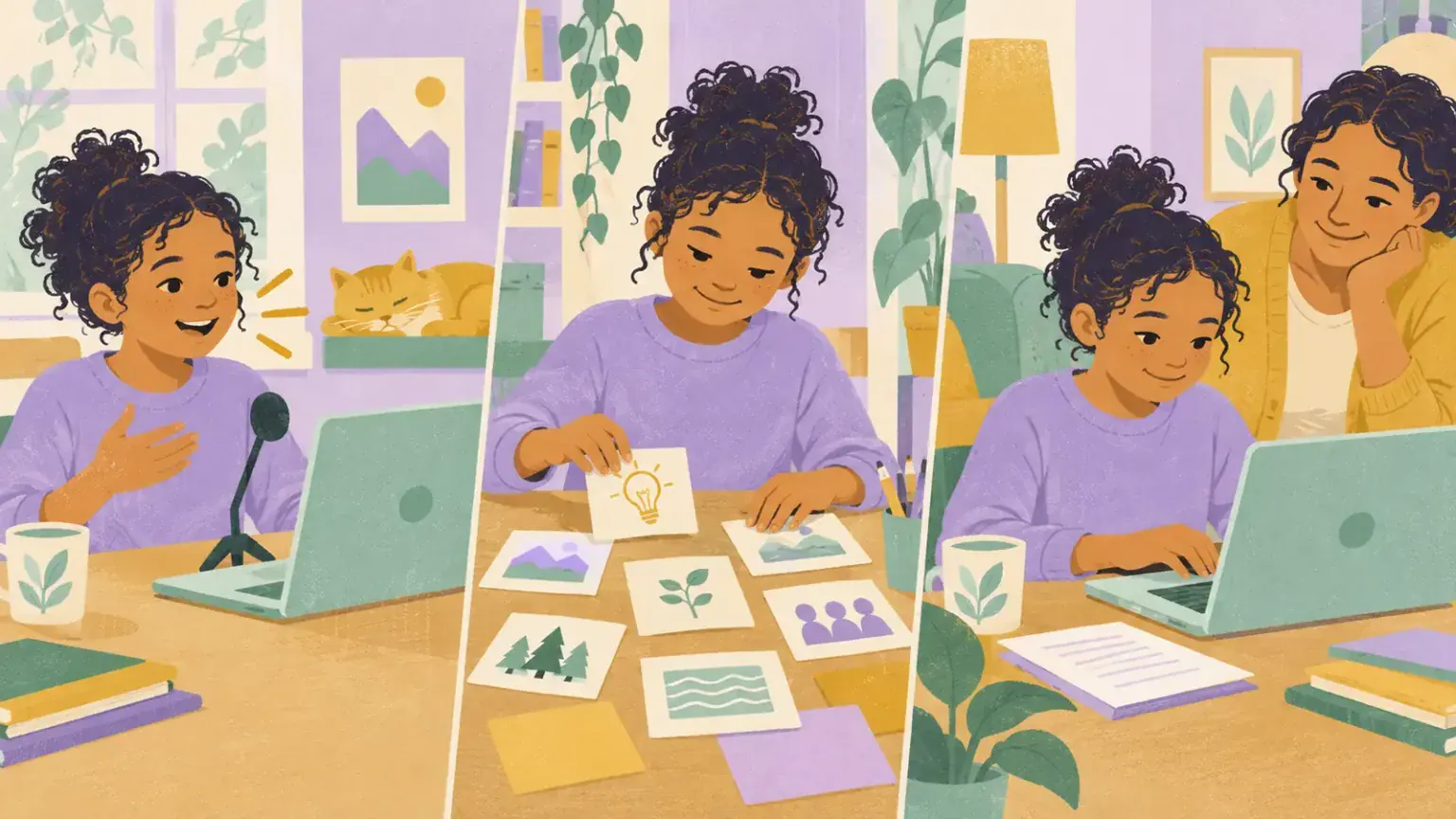
Many children lose their idea when an adult stops them after every error. Before opening the microphone, help the child make a tiny plan: three picture cards, a beginning–middle–end strip, or a list of key points. The plan belongs to the child. The adult can ask, “Which idea comes first?” rather than supplying a sentence.
Then dictate one thought at a time. A useful starter is: “Say one sentence, stop the microphone, read or listen to what appeared.” On a current Chromebook, Google’s instructions place Dictation under Accessibility and provide a keyboard shortcut. Other devices use different names and controls, so check the manufacturer’s guide.
Practise where mistakes do not matter
Start with a shopping list, a caption for a family photo or instructions for a favourite game—not a graded essay due in ten minutes. Try these steps:
- Reduce background noise and place the microphone at a steady distance.
- Say a short phrase in a natural voice. Shouting usually does not improve recognition.
- Pause, then compare the spoken idea with the displayed words.
- Correct one important error using whichever method is easiest: voice command, keyboard, touch or adult-assisted selection.
- Read the whole sentence aloud or use text-to-speech. Ask, “Does this still sound like you?”
Teach punctuation only as the child is ready. Some children benefit from saying “period” or “new line”; others produce ideas first and add punctuation during editing. The school may already have an agreed writing target, so coordinate rather than creating a second set of rules.
Protect authorship
When recognition is poor, adults are tempted to rewrite. Instead, point to the mismatch: “You said ‘volcano,’ but the screen says ‘volleyball.’ Which one do you want?” If the child asks an adult to make a physical correction, keep the child directing every change. Save versions so the child can see how the draft developed.
Use speech-to-text selectively. It may be excellent for brainstorming but tiring for precise maths notation. A child might dictate a paragraph, type a heading and draw a diagram. Access tools can work together; start with the task rather than loyalty to one device.
Plan for privacy and real settings
Dictation in a shared room can expose personal information and draw attention the child does not want. Agree on a quieter location, a headset microphone if compatible, or a written alternative. Do not dictate passwords, health details or confidential messages. Review the device and school account’s privacy information; speech processing and data practices differ between products.
Test the routine in the places where it must work. A feature that succeeds at a silent kitchen table may struggle in class. Record recognition problems by situation and language, not as a judgment about the child’s speech. A structured school assistive-technology trial can identify whether a better microphone, positioning change or different input method is needed.
Measure the right result
Look beyond spelling accuracy. Did the child produce more complete ideas? Could they find and repair a mismatch? Was effort lower? Did the final piece express what they intended? Share those observations with the teacher and relevant specialists. Speech-to-text does not replace instruction in writing or spelling; it can create room for that learning by reducing the mechanical barrier.
Create a small troubleshooting ladder the child can use: check whether the cursor is in the right box, confirm the microphone is active, move to a quieter place, repeat only the missed phrase, then switch methods if the tool is still fighting the task. Knowing when to stop dictating is part of skilled use, not giving up.
Coordinate with assessment conditions
Ask the school when dictation is an everyday accommodation and when particular assessments have different rules. Practise the approved setup before a timed task, including how to signal a technical problem. The child should not first encounter the tool during a high-stakes assignment. If a human scribe is used, agree that the scribe records the child’s words and reads them back without improving vocabulary or reorganising ideas unless the assessment rules explicitly allow support.