
An assistive-technology trial should not be a demonstration in which an adult shows that a device can work. It should answer a practical question: does this setup help this student complete an important task with acceptable effort, comfort and support?
Define the question before the device arrives
Choose one or two real tasks, such as selecting answers in science, drafting a paragraph or accessing a digital textbook. Describe the current method and the barrier. Decide what improvement would be meaningful: fewer prompts, less fatigue, clearer communication, more work completed, better accuracy or greater participation with peers.
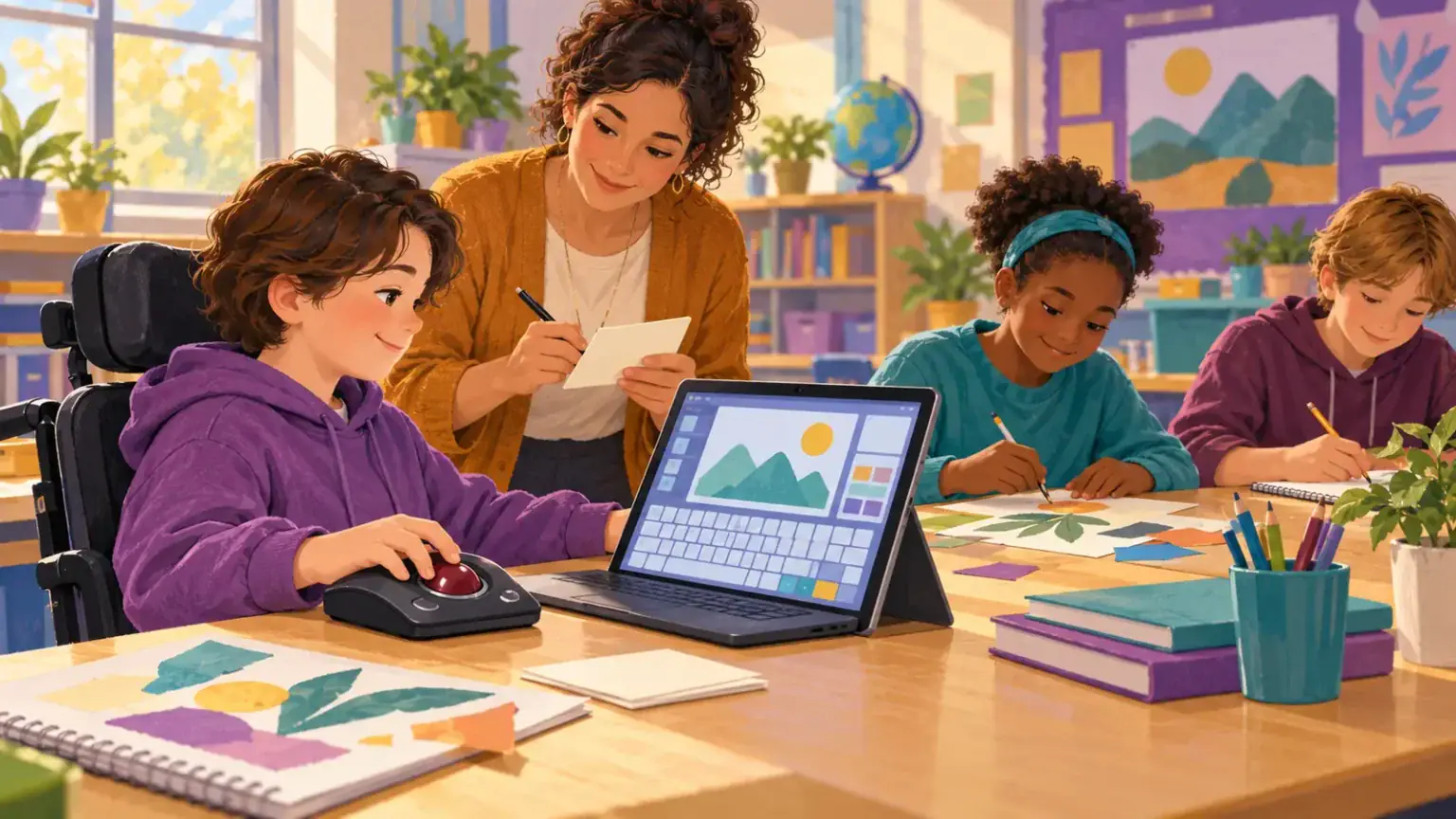
Keep the learning objective constant while changing access. If everyone is planning a story, the child should plan the same story through their access method—not receive an unrelated “technology activity.” The practical school support plan can keep roles and classroom adjustments connected.
Prepare the conditions
Check seating, mounting, screen position, switch or pointer placement, connectivity, accounts and accessibility settings. Teach the child and relevant adults the small set of functions needed for the trial. A fair trial includes enough practice to move beyond first-day unfamiliarity, but not months of struggling with a fundamentally poor fit.
Decide when and where the tool will be available. If it is locked in a cupboard, shared unpredictably or removed during assessment, the trial is measuring access to storage rather than usefulness.
Collect light, useful evidence
Use a one-page log after selected sessions:
- task and setting;
- time used and amount completed;
- accuracy or successful communication;
- number and type of adult prompts;
- physical effort, comfort and fatigue;
- technical problems;
- the student’s rating and comment.
Compare with the current method on similar tasks, not with classmates. A tool may be slower at first but substantially reduce pain or adult dependence. It may be fast in one app and inaccessible in another. Those differences matter.
Review with the student, not around them
Ask: “When did this help?” “When did it get in the way?” “Would you choose it again?” Offer communication access and time. Do not interpret polite compliance as enthusiasm. Families can report how the tool behaves at home, while teachers describe classroom demands and specialists interpret positioning or access needs.
Decide to adopt, adjust, extend, compare another tool or stop. Record the reason. If adopted, specify training, maintenance, funding, transport, backups and review dates. UNICEF’s accessible digital textbook work also underlines that devices alone are not enough; teacher preparation, suitable infrastructure and technical support shape whether access works.
Protect privacy during the trial
Use approved accounts, collect only necessary data and explain who can see logs or recordings. Avoid filming the child for vendor promotion or sharing disability information in open class documents. If cloud services are involved, the school should follow its privacy and child-protection procedures.
A good trial can end with “not this tool.” That is not failure. It is evidence that saves the child from carrying a device that does not improve the task that mattered.
Avoid common trial traps
Do not introduce several unfamiliar tools at once, compare a practised old method with an unpractised new one after a single session, or run the trial only during the easiest lesson. Avoid measuring output alone when the student is exhausted afterwards. Conversely, novelty and one-to-one adult attention can make the first session look unusually successful. Gather enough examples across days and settings to see a pattern. Note when support was different. If the tool is intended for assessment, confirm in advance whether it is permitted and whether the student has used it routinely. The purpose is not to prove that a purchase was right; it is to find the access method that works reliably enough for the student’s real school life.
Turn the decision into a usable plan
At the final review, record the selected configuration, successful tasks, conditions where it failed, training still needed and the child’s view. Assign responsibility for obtaining licenses, preparing accessible materials, charging, carrying and troubleshooting. Set a date to revisit the decision after normal classroom use. If the tool is rejected, preserve what the team learned about positioning, settings and task demands so the next trial does not start from zero. Share the conclusion with all relevant teachers without circulating unnecessary medical information. A concise plan that reaches every lesson is more valuable than a detailed report that stays in one specialist’s folder.