

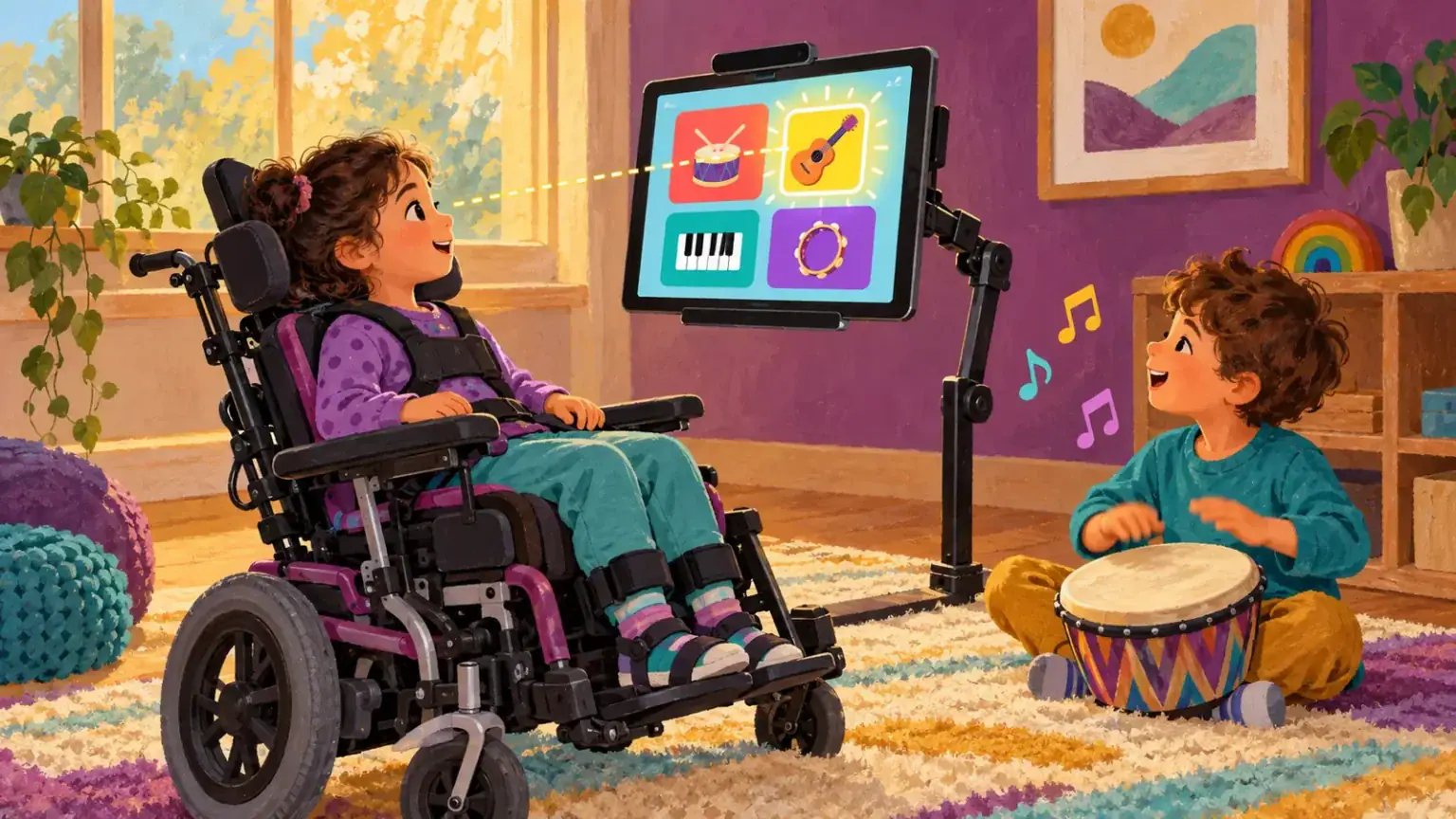
Eye-gaze access uses a camera to follow where a person looks, allowing gaze to move a pointer or make a selection. It can open routes to communication, play, environmental control and literacy for some children who cannot reliably use touch, a mouse or switches. A first trial should feel like exploration, not an exam.
CALL Scotland describes eye gaze as an access method that can replace a mouse to control a communication device, the environment or games. That broad possibility does not mean every child needs the same screen, targets or selection time. The purpose of a trial is to discover what supports intentional participation.
Choose one meaningful goal
“See whether eye gaze works” is too vague. Pick a small outcome the child cares about: choosing which song plays, making a character move, saying “more” during a favourite routine, or selecting a picture to continue a story. For a very young child, cause-and-effect play may be the whole session. Older children should help choose both the activity and how success is judged.
Keep another reliable communication method available throughout. Eye gaze is not a reason to remove gestures, signs, a paper board, partner-assisted scanning or the child’s existing AAC. The child needs a way to say stop, no, help and finished.
Positioning is part of access
The camera, screen, lighting and child’s posture work as one system. Seat the child comfortably with the support recommended by their team. Bring the screen to the child rather than asking the child to hold an uncomfortable head position. Reduce window glare and visual clutter. Calibrate only for as long as the child is comfortable; some systems and activities can gather useful information even when calibration is imperfect.
An occupational therapist, speech-language professional, teacher of learners with visual impairment or assistive-technology practitioner may need to collaborate, depending on the child. Eye or head movement differences, glasses, lighting and fatigue can affect tracking. Difficulty with calibration does not tell you what the child understands.
Use a gentle first sequence
- Show the child what looking can make happen, using a large, rewarding target.
- Offer two clearly separated choices. Wait without repeatedly telling the child where to look.
- Respond to the selection immediately, even if the action is simply playing a sound.
- Pause after a few turns. Ask whether to continue using the child’s established yes/no method.
- End while the child is still comfortable. Ten useful minutes can teach more than a tiring hour.
Watch the child, not only the cursor. Do they anticipate the result, return to a preferred target or look away to refuse? Are they enjoying control? Record what the child did, target size, spacing, dwell time, position and time of day.
Separate looking from selecting
People naturally look around. A system that activates every glance can be exhausting. Some children use dwell selection—holding gaze for a set time—while others combine gaze for pointing with a switch for confirmation. Test selection methods deliberately. Increase target size and spacing before assuming inaccurate selection reflects poor intention.
Move gradually from play to communication or school tasks. CALL Scotland’s literacy resources explicitly include eye gaze, switches and touch as alternative routes to reading and writing. The task-first framework in choosing assistive technology helps keep the child’s real goals in view.
Review with the child and team
Compare days and activities rather than making a decision from one demonstration. Note signs of fatigue, access speed, accuracy, enjoyment and whether the child initiates actions. Use a structured trial and review before purchasing. If eye gaze is chosen, plan mounting, training, vocabulary or software, charging, transport and a low-tech backup. Access is the whole routine, not only the camera.
Family members can support without crowding the screen. Sit slightly back, narrate only when invited and allow quiet wait time. Celebrate the child’s effect on the activity rather than the technology itself: “You chose the drums,” not “Good looking.” That distinction keeps attention on communication and agency instead of turning every gaze into therapy.
Include ordinary life
Once basic access is established, try more than specialist exercises. Let the child choose a family photo, turn a page in a shared story, make music, select a snack picture or join a classroom joke. Ordinary purposes reveal motivation and vocabulary needs that a calibration game cannot. They also help siblings and peers interact with the child rather than with the equipment. Protect rest time; choosing not to use eye gaze in a moment is a valid choice.