

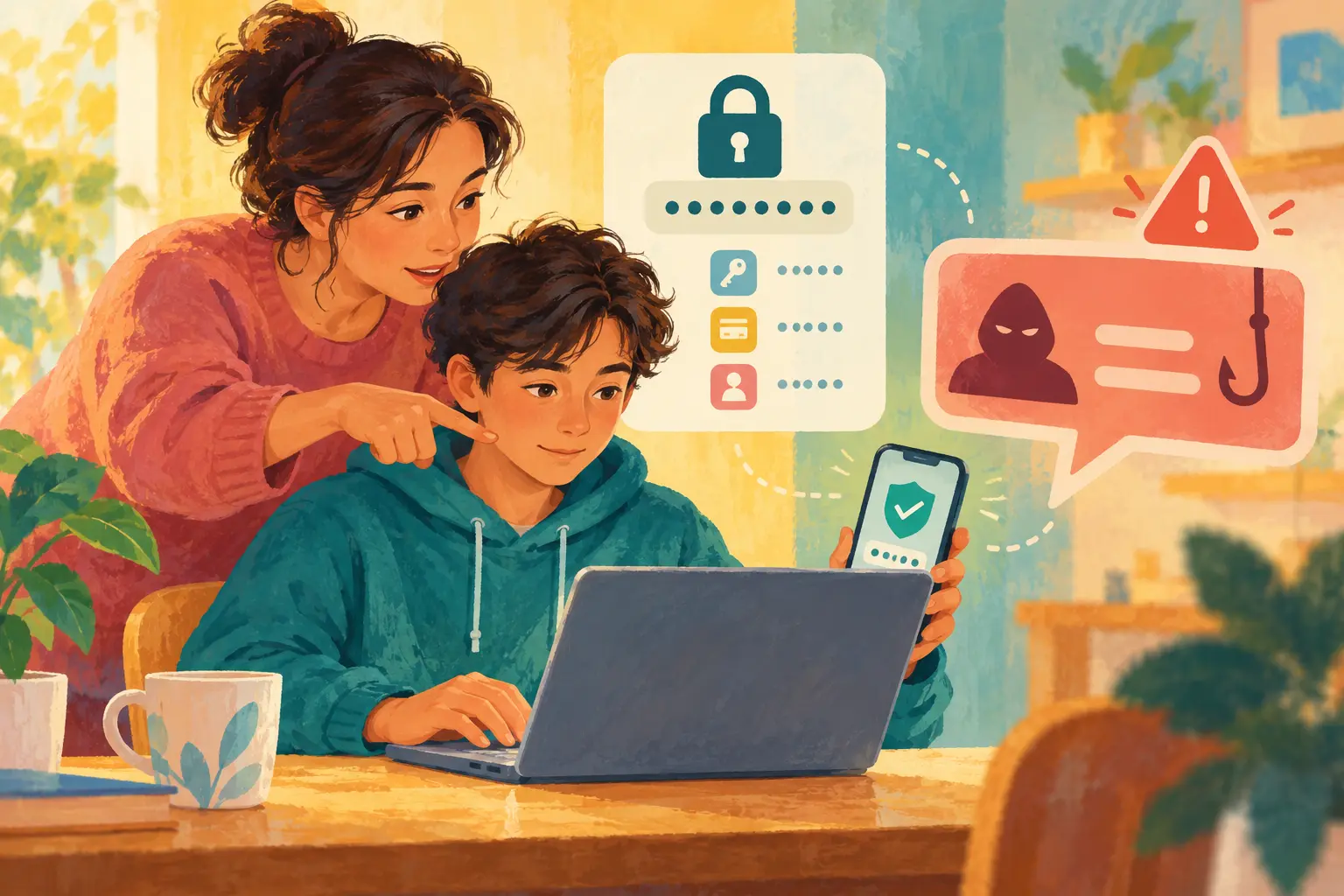
Children often get their first accounts one at a time: a school login, a game, a messaging app. Account security can become a list of warnings they forget. A small family routine works better: make access hard to steal, make recovery possible and pause when a message creates urgency.
Use unique access for every important account
A reused password means one breach can unlock several services. Use a reputable password manager where appropriate, or create long unique passwords a child can enter reliably. Do not build them from a pet name, birthday, school or sports team. Never ask a child to send a password in chat.
If a service offers a passkey, explain that it uses the device’s secure sign-in rather than a reusable password. Availability and recovery methods vary, so keep the account’s recovery information current.
Turn on multi-factor authentication
Multi-factor authentication adds another step after the password. An authenticator app or security key may offer stronger protection than text messages, but use what the service supports and your family can manage. Store backup codes somewhere safe and separate from the device.
Teach children never to approve an unexpected sign-in prompt or share a one-time code. A person asking for the code is trying to cross the second barrier.
Use the STOP phishing check
- Stop. Do not click, reply, download or approve a login.
- Trace the request. Check the full sender address, account and context—not just the display name.
- Open the service yourself. Use the official app or type the known address instead of following the message link.
- Pass it to an adult. When money, school access or a compromised account is involved, get help.
Phishing may promise a prize, threaten account closure, claim a friend needs help or offer free game currency. A familiar account may itself have been hacked.
Practise with realistic examples
Show a pretend message: “Your account will be deleted in ten minutes—verify now.” Ask what creates pressure, how the child could verify it and what information the message wants. The US Federal Trade Commission encourages families to practise protecting personal information and turning on two-factor authentication rather than waiting for a scam.
Connect the exercise to checking viral claims and deepfakes: urgency and authority can be imitated.
Create a recovery sheet
For a younger child’s account, the caregiver should know which email or phone number is used for recovery. Record the service name, creation date, recovery method and where backup codes are stored—never the password itself on an exposed note. Review the list when devices or phone numbers change.
Before resetting a device, confirm that important accounts can be recovered. Remove old devices and sessions from account settings when they are no longer used.
If an account is taken over
Use the service’s official recovery route. Change the password from a trusted device, sign out other sessions, review recovery details and enable stronger authentication. Warn contacts not to trust recent messages. Check linked email and payment methods. Preserve evidence of fraud or threats and report through the relevant platform or local authority.
Do not blame the child for clicking. Scams are designed to create pressure. Review what worked, what signal was missed and how the family can reduce the damage next time.
Adapt by age
- Ages 6–9: Adults manage recovery. Children learn that passwords and codes stay private and suspicious messages come to an adult.
- Ages 10–12: Create unique passwords together, turn on MFA and practise opening the official app independently.
- Teens: Add banking, shopping, school and job accounts; discuss SIM swapping, recovery emails and device sessions.
Keep the routine in the family screen agreement and use the new-device checklist when hardware changes. The aim is not to make a child afraid of every message. It is to make pausing and verifying feel normal.