

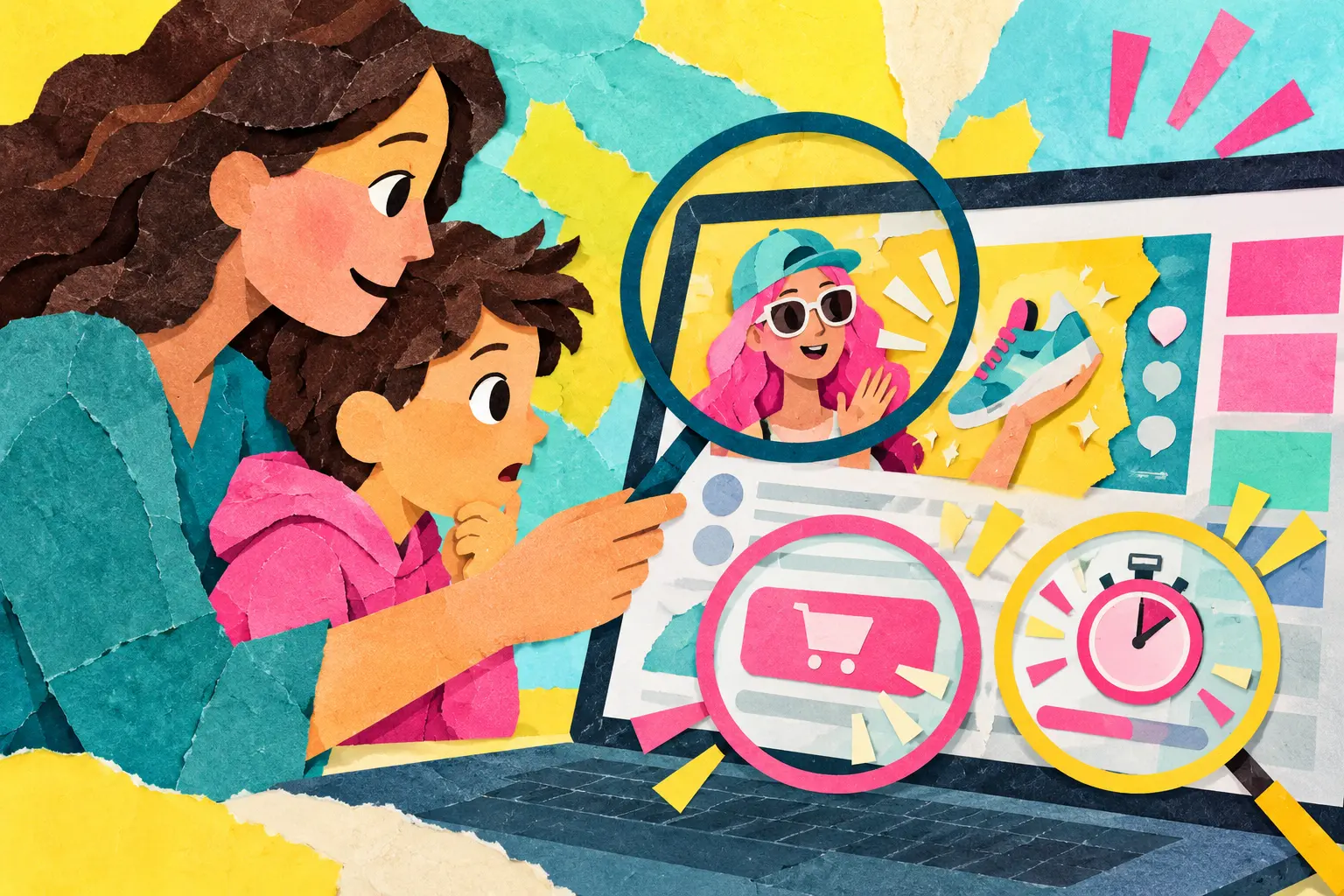
An advert is easier to recognise when it interrupts a programme. Online, promotion may look like a favourite creator’s recommendation, a game reward or a button designed to make the paid choice easier than the free one. Children need words for these nudges so they can pause without feeling foolish.
Ask who benefits from the action
When a post recommends a product, ask: “Does this person receive money, free products, commission or another benefit?” Look for labels such as ad, sponsored or paid partnership, but do not assume a label is always clear. The US Federal Trade Commission has reported that children and teens can have difficulty recognising blurred advertising, including influencer promotion and branded content.
Enjoying a creator does not make every recommendation dishonest. The skill is recognising the commercial relationship before deciding.
Name the common pressure moves
- Countdowns and scarcity: “Only two minutes left” or “limited skin.”
- Obstruction: subscribing takes one tap, while cancelling takes many steps.
- Defaults: the paid or data-sharing option is already selected.
- Social pressure: “All your friends have this.”
- Disguised promotion: an advert looks like a game, challenge or ordinary recommendation.
- Variable rewards: a purchase offers a chance, not a known item.
The FTC uses “dark patterns” for design practices that can trick or manipulate people into choices they might not otherwise make. The exact design changes; the pause remains useful.
Use the PRICE pause
- Promotion: Is someone being paid or rewarded?
- Real cost: Is the price money, data, time, attention or sharing?
- Information: What important fact is hard to see?
- Choice: Is saying no as easy as saying yes?
- Exit: Can I close, cancel or wait a day?
Try it during ordinary browsing. Pause an influencer video, open a game store and compare a free trial’s joining and cancellation steps.
Put friction around spending
Require adult approval for purchases, disable one-click payment and remove saved cards where appropriate. Decide a monthly or event budget before the game begins. Convert virtual currency into the family’s real currency together; bundles can make cost harder to feel.
Do not lend money to “win back” a disappointing random reward. If spending becomes secretive, repeated or distressing, pause purchases and seek appropriate support.
Keep receipts and review them together without accusation. A weekly check can show how several small purchases add up and whether the child still feels the item was worth its real cost.
Protect privacy as part of the price
Free services may still ask for location, contacts, microphone access or extensive tracking. Review permissions and choose the least access needed. The parental-controls checklist can support purchase and privacy settings.
Help children check claims too. The guide to viral claims and deepfakes uses a similar pause before believing or sharing.
Avoid turning the child into the problem
Adults are influenced by design too. Instead of “You fell for it,” say, “That was made to rush people. Let’s find the pressure point.” If a child bought something accidentally, document the transaction, use the platform’s official refund process and adjust settings.
Adapt by age
- Ages 6–9: Sort examples into “ad,” “not an ad” and “not sure.” Use adult approval for every purchase.
- Ages 10–12: Compare influencer disclosures, virtual currency and free trials.
- Teens: Discuss affiliate links, targeted advertising, subscriptions, data collection and how identity or insecurity can be used in marketing.
A child does not need to reject every product or game. They need a moment in which the design stops deciding for them. That moment is digital citizenship in practice.