By EdCaptain editorial desk · Published
You want an e-reader so the family can borrow books instead of buying every title. A product listing mentions library access, and the library has an ebook app. Before ordering, check that those two facts connect for your actual library, device and books.
A useful starting question is: “Can this exact model open the ebook loans available through our library card?” This research-based buying guide is for adult caregivers. It does not recommend a device for a particular child, report hands-on testing or guarantee that a service works in your location.
Start at the library, before the device shop
Use your library’s official website or ask staff which digital lending service it provides. Record the service name and the library’s own setup guide. Do not assume a service used by a friend’s library is available through yours.
Ask about the card you are entitled to use, membership requirements and any rules for family or child accounts. Check whether the library offers ebooks, audiobooks, magazines or several formats. These can have different reading routes.
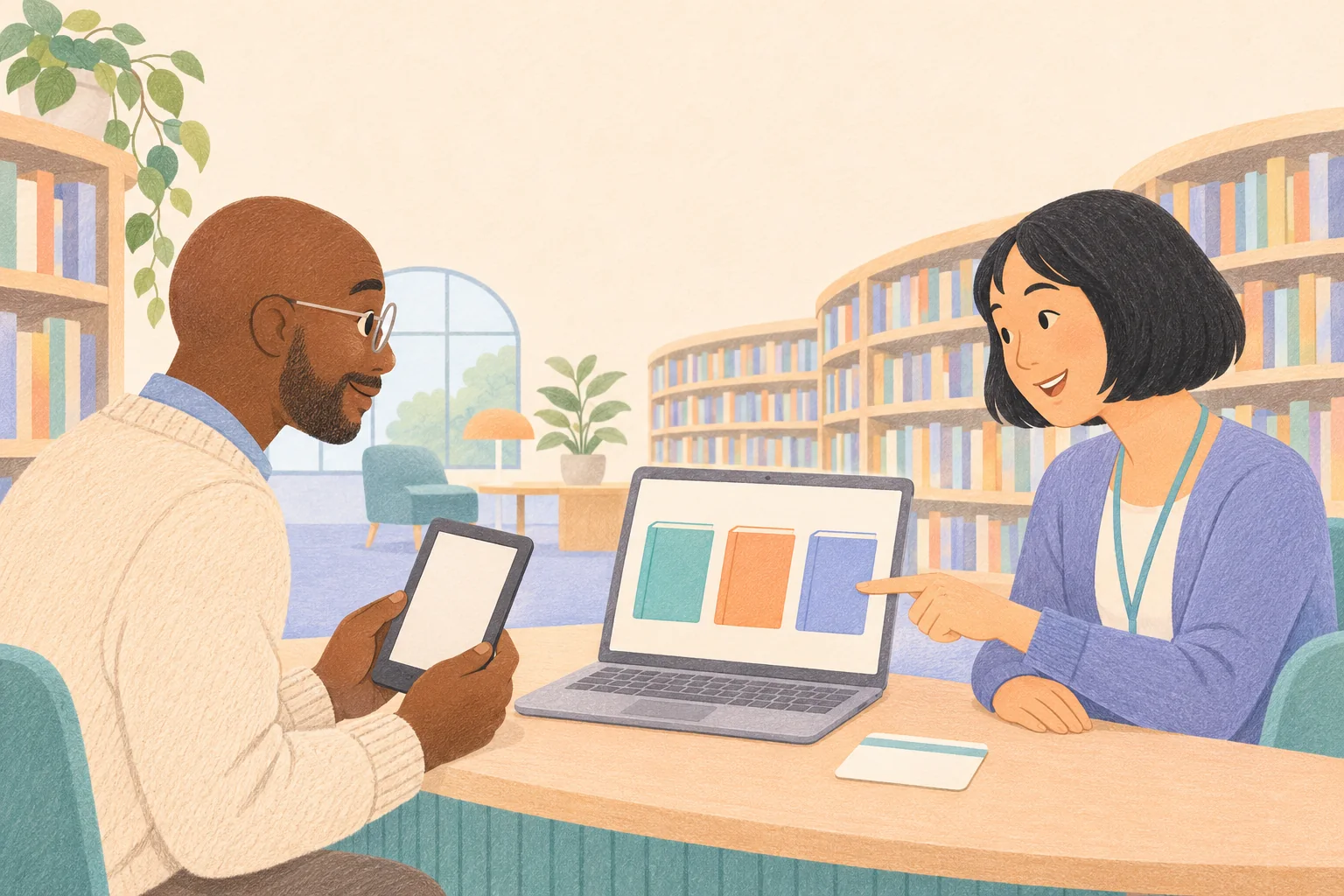
A precise question for staff is: “We are considering an e-reader mainly for your ebook loans. Which models and reading methods do you currently support? Can we check two titles before buying?” You can ask without signing up for another service or promising a purchase. Our guide to a library visit without borrowing offers a low-pressure way to explore services.
Separate the phone app from the e-reader
An app working on your phone does not establish that a dedicated e-reader runs that app or receives the same loans. Look for the lending service’s guide for the exact device family, then check the manufacturer’s supported models and locations.
For example, Libby describes a route for reading eligible library ebooks on Kindle. OverDrive’s e-reader overview makes the geographical limit explicit: Kindle Books are currently available through U.S. libraries only. Do not read “works with Libby” as a promise for every library worldwide.
Kobo has a different route. Its public-library borrowing guide lists the countries and models supporting its built-in borrowing feature. It also warns that the service may not be available at a particular library. Check the live list for the exact model you are considering, including a second-hand model.
These are compatibility examples, not a ranking of brands. A seller’s broad statement should be backed by the library and manufacturer instructions that apply to your situation.
Use two real titles as a small compatibility check
Choose books that reflect what the family actually wants: perhaps a home-language story and an illustrated information book. Do not rely only on a device’s shop catalogue. Owning or selling an ebook is different from your library licensing a lendable copy.
For each title, record:
- The exact title, author and language or edition.
- Whether your library offers the ebook, audiobook or another format.
- The reading options shown for that particular library item.
- Whether the proposed device supports that reading route.
- Whether the item is available now or requires a hold.
Kobo’s Libby information page notes that some library content is available only in the app, and that Libby audiobooks cannot be played on Kobo e-readers. A device supporting purchased audio does not establish support for library audio.
If the sample title is missing or cannot reach the proposed device, ask about that exact item. Do not treat one failure as proof that the entire service is broken, or one successful plain-text book as proof that every comic and picture book will work.
For home-language choices, our multilingual family book guide can help you choose meaningful samples. Check the actual script, page layout and edition, rather than only finding a familiar title on a cover.
Find out what the borrowing steps require
Ask the library to explain the route from choosing a book to opening it. Does it use a manufacturer account, a phone, Wi-Fi, a computer transfer or a combination? If a transfer method is needed, confirm the current software and computer requirements before buying hardware that depends on them.
Read current instructions rather than following an old video button by button. Manufacturer software and library sign-in processes can change. An online advertisement showing a familiar icon is not enough to confirm that your intended setup is supported.
Keep account security in the plan. Use official sign-in pages, follow the service’s age and account rules and keep library PINs private. Do not give a seller your account password to “check it works”. Do not enter personal accounts on an untrusted display device. Ask for a staff demonstration or another permitted testing arrangement instead.
If you can try a loan device or an authorised demonstration, follow the library’s instructions and use only content and accounts you are allowed to access. This article has not tested a particular reader or your library’s system.
Check the reading experience as well as delivery
A successful download answers a compatibility question. It does not establish that the display, navigation or text controls work for the intended reader.
Where a permitted trial is available, check the sample pages at the size you would actually use. Can the reader follow the text, see the illustrations and turn pages comfortably? Are the language, contrast and any required access features usable with this title? Ask about the exact feature rather than assuming that “accessible” means every format has speech, enlargement or equivalent navigation.
If you cannot verify an essential access requirement, keep it as an unresolved buying question. A print copy, an existing supported device or another format may be a better option. A library collection is useful only when the family can actually use it.
Budget for loans as loans
Library borrowing is not an unlimited purchased bookshelf. Kobo’s guidance explains that copies can be limited, popular titles can involve holds and borrowed books have a due date. Check your library’s actual loan, renewal and hold arrangements rather than promising a child instant access to every requested book.
Before paying, keep a short note with the library, lending service, exact device model, supported location, sample-title results and any remaining questions. Read the seller’s return terms and check whether the family can manage the required setup.
You can postpone the purchase, use an already supported device or borrow print books while checking the details. The best next step may be one conversation with library staff rather than another item in the shopping basket.