
By EdCaptain editorial desk · Published
General educational guidance. No qualified clinical review is recorded for this article. Health and safety information.
The school letter explains a trip, a payment deadline, a change to lunch and a permission form in three crowded paragraphs. You can work out what it means. Your child with intellectual disability still needs a way to find out what is happening and have a say.
Reading the whole letter aloud may help, but it may leave the same complicated message to untangle. A short, carefully checked explanation can be more useful. The aim is to give your child access to the information, not simply to make a prettier page.
Ask for the format before making the page
Ask the school whether an accessible version already exists. Explain what your child uses: clear spoken language, familiar pictures, large text, audio, objects or their communication system. A diagnosis alone does not choose the format.
Easy Read usually combines short, straightforward text with images that explain its meaning. AbilityNet distinguishes it from plain language: making sentences clearer is helpful, but Easy Read also involves the presentation and support around the words. Some children will still need another person to explain the page; others may prefer audio or simple text without pictures.
NHS England’s accessible-information guide stresses asking the intended audience what works. It also notes that pictures can distract some readers. Start with your child’s existing preferences rather than replacing a useful system with a fashionable template.
Make a private fact list from the original
Before shortening anything, separate the child’s information from the adult administration. For a school trip, your child may need to know the destination, who is going, what the day will involve, what to bring and how to ask for help. The caregiver may also need payment instructions and a form deadline.
Keep both sets of information. An adult-only task should not crowd the child’s page, but it must not disappear from your own plan. Use the original letter to check:
- The exact day, date, departure and return arrangements.
- Anything the child needs to bring, wear or avoid.
- Choices that are genuinely available, including how to raise a concern.
- Conditions, uncertainties and who can answer questions.
If the letter says “weather permitting,” do not rewrite that as a promise that the outing will happen. Ask the school how changes will be communicated. If the return time is unclear, leave it as a question for the school instead of guessing.
Try a small explanation, not the whole document at once
Imagine a fictional letter confirming a class library visit on Friday after lunch. A first draft for discussion might say:
- “Your class is going to the library on Friday.”
- “You will go after lunch.”
- “Your teacher will go with your class.”
- “Bring your school bag.”
Those sentences are examples, not facts to copy into a real trip plan. Include them only if the school has confirmed each detail. Add the actual arrangements for returning and getting help. A familiar photo of the real destination may explain more than a generic building, if you have permission to use it.
Keep one point in each sentence. Use the same name for the place throughout, rather than switching between “library,” “venue” and “facility.” Explain an unfamiliar word where it appears. NSW Government guidance recommends clear messages, a consistent layout and images that relate directly to the idea.
Use pictures to explain, not decorate
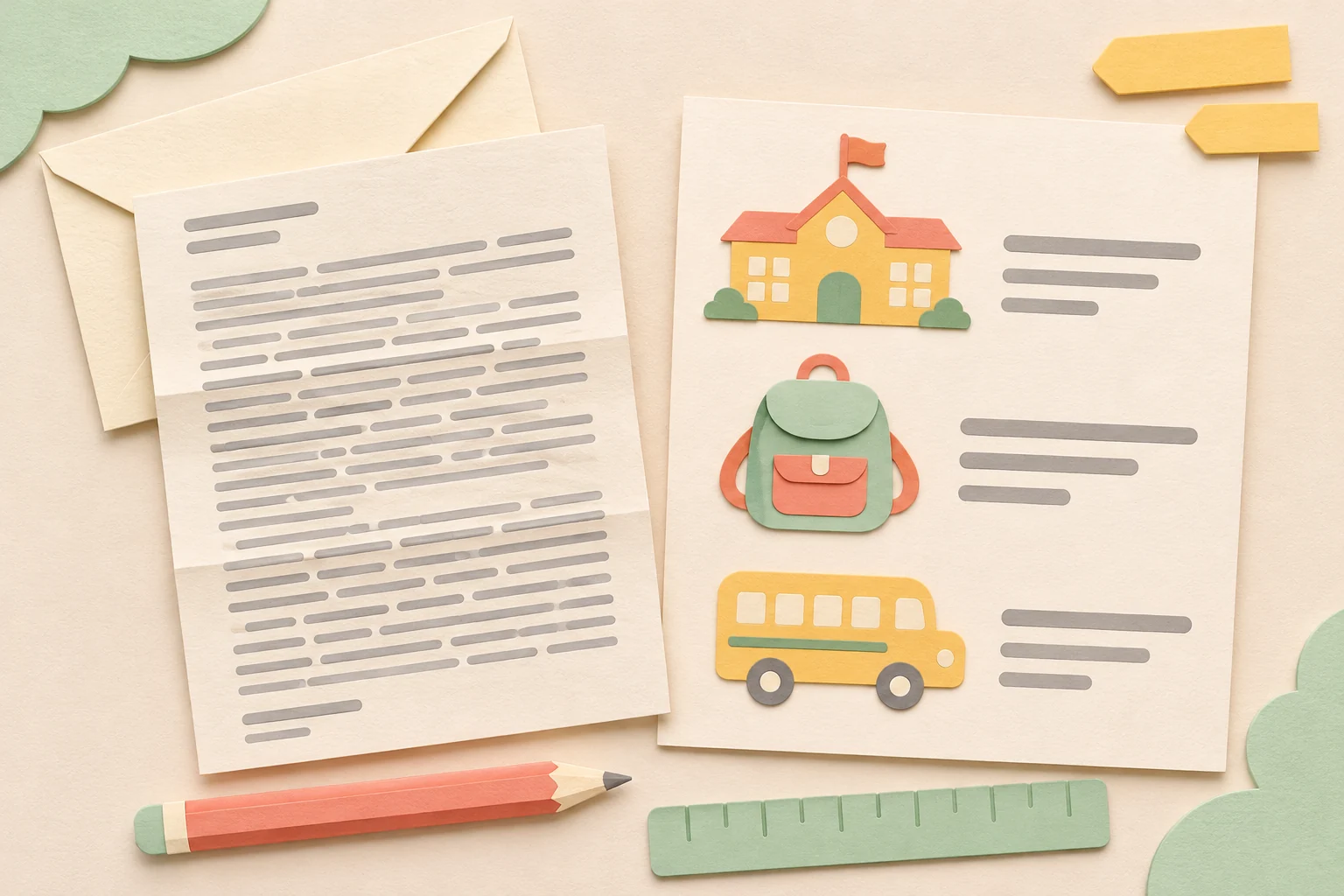
A picture of a backpack can support “Bring your school bag.” A cheerful cartoon child next to every paragraph may add little information. Avoid filling the page with stickers, borders and multiple competing symbols.
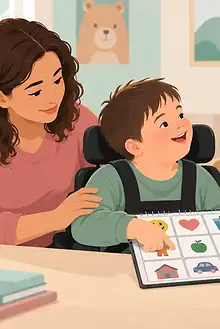
Choose pictures your child recognises. Do not assume a clock face, tick or crossed-out object means the same thing to every reader. Ask their teacher or speech-language professional about familiar symbols and access needs. Use age-respectful images; a teenager should not automatically receive nursery-style artwork.
Use your own suitable drawings or images you have permission to use. Symbol libraries and pictures found online can have licence conditions. Keep identifiable school letters and children’s details private; do not upload them to an unfamiliar conversion tool.
Leave generous space around the text, choose a clear typeface and print large enough for the reader. Check the actual printed sheet or screen view. A page that looks spacious on your laptop may become tiny on a phone.
Find out whether the explanation works
Mencap emphasises involving people with learning disabilities when creating and checking Easy Read. For a family page, invite your child to use the information with their usual support. You might say, “Let’s look at what we need for the visit,” and notice whether the bag picture helps them find the relevant item.
This is a check of your explanation, not a test your child has to pass. Accept pointing, signing, speech, AAC or another familiar response. If the page is confusing, change the words, picture, amount of information or format. A nod alone does not show which detail was understood.
Allow questions, disagreement and a pause. For broader support during the conversation, see EdCaptain’s guide to making communication easier. One successful use does not establish that every future letter can use the same format.
Agree who checks and updates it
Send factual questions to the school before relying on your version. Ask a staff member to confirm important arrangements and tell you when they change. Date your family page, keep the original nearby and replace an outdated version wherever it is used.
You can say: “This format helped us talk about the trip. Could future letters include a short child-facing explanation, and could someone check the details with us?” Add the request to the child’s school support plan where appropriate. Families should not have to reconstruct every important message at the last minute.
For health instructions, medication, legal forms or safety procedures, ask the responsible service to supply or confirm an accessible explanation. Do not remove warnings or change instructions to fit a short page. Keep conversation and individual support available: accessible information should help your child participate, including when they want something explained again.