
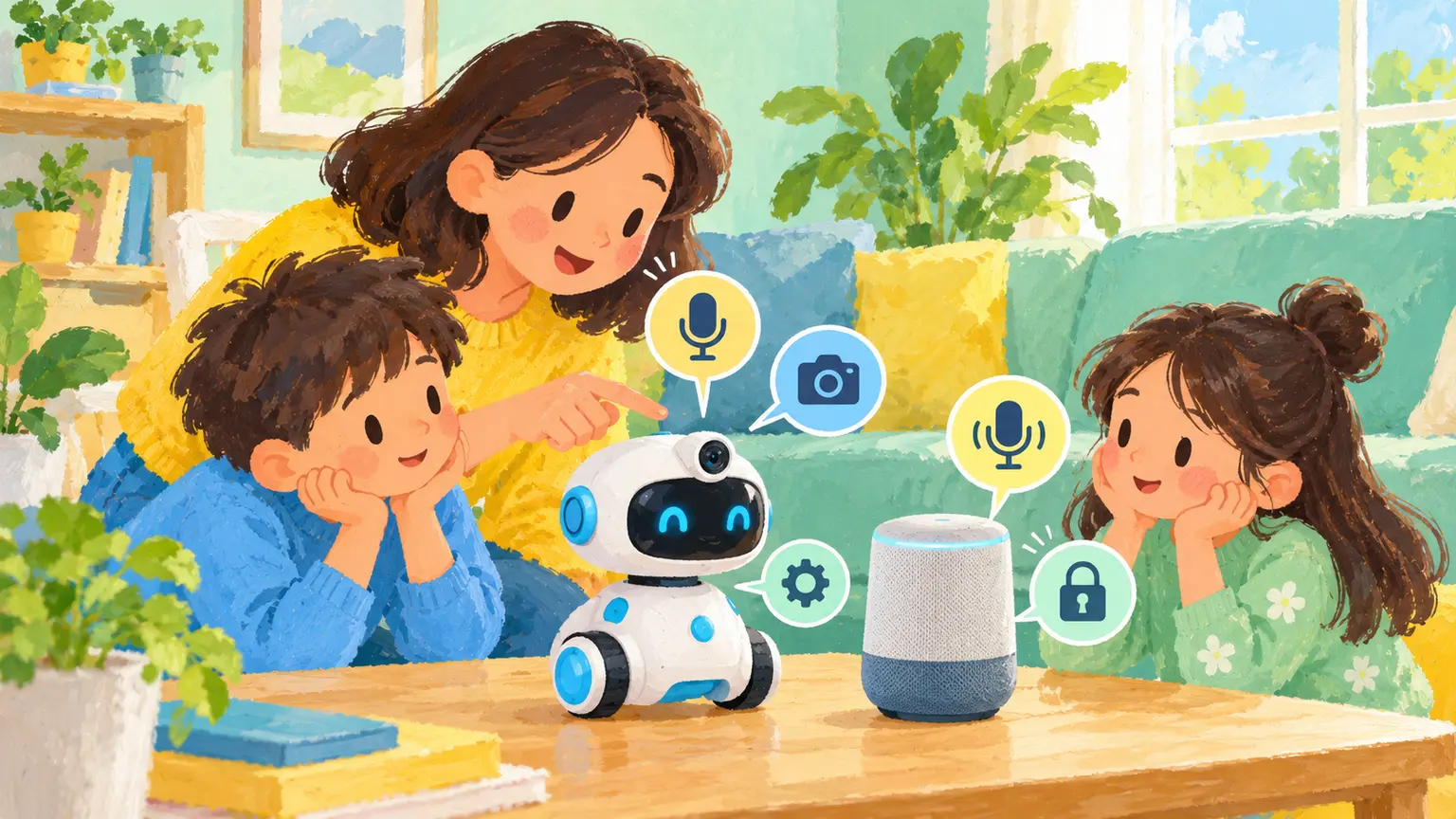
A talking toy, watch, speaker or robot may look like an ordinary plaything while functioning like an internet service. It can create accounts, record voices, send data to a company and connect with other users. Before setup, treat it as both a toy and a small computer.
- Identify what is actually connected
- Ask five privacy questions
- Set it up as an adult
- Choose the room deliberately
- Explain data in child-sized language
- Check contact features
- Plan for guests and siblings
- Review and eventually retire it
- Keep play central
- Test what happens without the internet
- Sources and further reading
Identify what is actually connected
Look for Wi-Fi, Bluetooth, a companion app, microphone, camera, location, cloud storage or messaging. Some features work only online; others keep working locally when the account is removed. Read the box and product page before a child becomes attached to a feature the family may decide not to use.
Ask five privacy questions
- What data does the device collect?
- When is it listening, watching or locating?
- Who receives or processes the data?
- Can the family turn features off and still use the toy?
- How can recordings, profiles and the account be deleted?
If these answers are hidden or vague, consider a non-connected alternative.
Set it up as an adult
- Download the official app from the recognised store.
- Use the child’s correct age and minimum required information.
- Create a unique password and enable multi-factor authentication if offered.
- Install updates before play begins.
- Turn off unnecessary location, contact syncing, public profiles and personalised advertising.
- Test the microphone or camera indicator and physical mute controls.
Choose the room deliberately
A permanently listening or camera-enabled device may not belong in a bedroom, bathroom or changing area. Put shared devices in a common space and show children how to mute or cover sensors. Do not tell a child a light always guarantees privacy unless the maker clearly confirms it.
Explain data in child-sized language
For a preschooler: “This toy sends some words to a computer so it can answer. We keep it here and turn the microphone off when we finish.” Older children can compare local play with cloud features and decide which extras are worth the data.
Check contact features
Some devices allow messages, friend lists, voice sharing or public creations. Use approved contacts, private profiles and adult review. Teach that a toy character’s friendly voice does not make every connected person known or trustworthy.
Plan for guests and siblings
A shared speaker may capture people who never agreed to an account. Tell visitors when a device is active. Use the most protective settings for the youngest likely user rather than expecting every child to understand adult notices.
Review and eventually retire it
Check updates, permissions and account activity every few months. If security support ends, disconnect the device or use offline functions only. Before selling or donating it, remove the account, factory-reset the device and confirm cloud data deletion where possible.
Keep play central
A connected feature should add something meaningful, not make a child’s attention or private life the price of play. Blocks, dolls, art materials and offline audio remain strong alternatives when a product’s data practices do not make sense.
Related EdCaptain guides cover first-device readiness, location permissions, and AI companion boundaries.
Test what happens without the internet
Disconnect Wi-Fi briefly and see which functions remain. A toy that becomes useless offline may depend heavily on remote servers, subscriptions or continued company support. Check whether recordings wait on the device and upload later when the connection returns.
Also look at purchases and advertising. Turn off one-click buying and make sure a friendly character cannot lead a young child into paid upgrades. If a subscription ends, explain what data and functions remain rather than letting the loss arrive as a surprise.
Keep the receipt, model number and support details. A privacy or security problem may require an update, return or complaint. Families should not have to accept undisclosed recording simply because the product is marketed as playful or educational.