
By EdCaptain editorial desk · Published
“We only watch children’s programmes on a tablet” sounds like a clear description. For a UK TV Licence check, it leaves two important details unanswered: which service is being used, and whether the programme is being watched as part of a live channel or selected on demand.
This guide is for caregivers sorting out household viewing in the UK. It does not recommend a viewing age or amount of screen time. Use it to describe your actual arrangement, then check the official guidance before buying, cancelling or assuming that another person’s licence covers you.
Sort the viewing, not just the apps
GOV.UK’s TV Licence guidance identifies two main triggers: watching or recording live TV on any channel or service, and using BBC iPlayer. Paying for a streaming subscription is a separate question.
An app can offer several kinds of viewing. Open its programme page without starting playback and identify the route your family normally selects:
- A live channel: the programme is being shown as part of the channel’s schedule. Do not assume an old cartoon is exempt because it was made years ago.
- A BBC programme on BBC iPlayer: choosing an earlier episode on demand still requires cover, as does downloading it.
- An on-demand programme on another service: this alone generally does not require a TV Licence, provided the household does not also do viewing that requires one.
TV Licensing’s streaming guidance explains the live/on-demand distinction and the exception for S4C programmes watched on demand. Live TV is not limited to events filmed in real time. Think about the way the programme is supplied, rather than whether its story or recording is new.
If a label is unclear, ask the service or TV Licensing about that exact viewing route. Avoid a rule such as “everything in this app is licence-free”: services can mix live and on-demand choices.
Make a small household viewing record
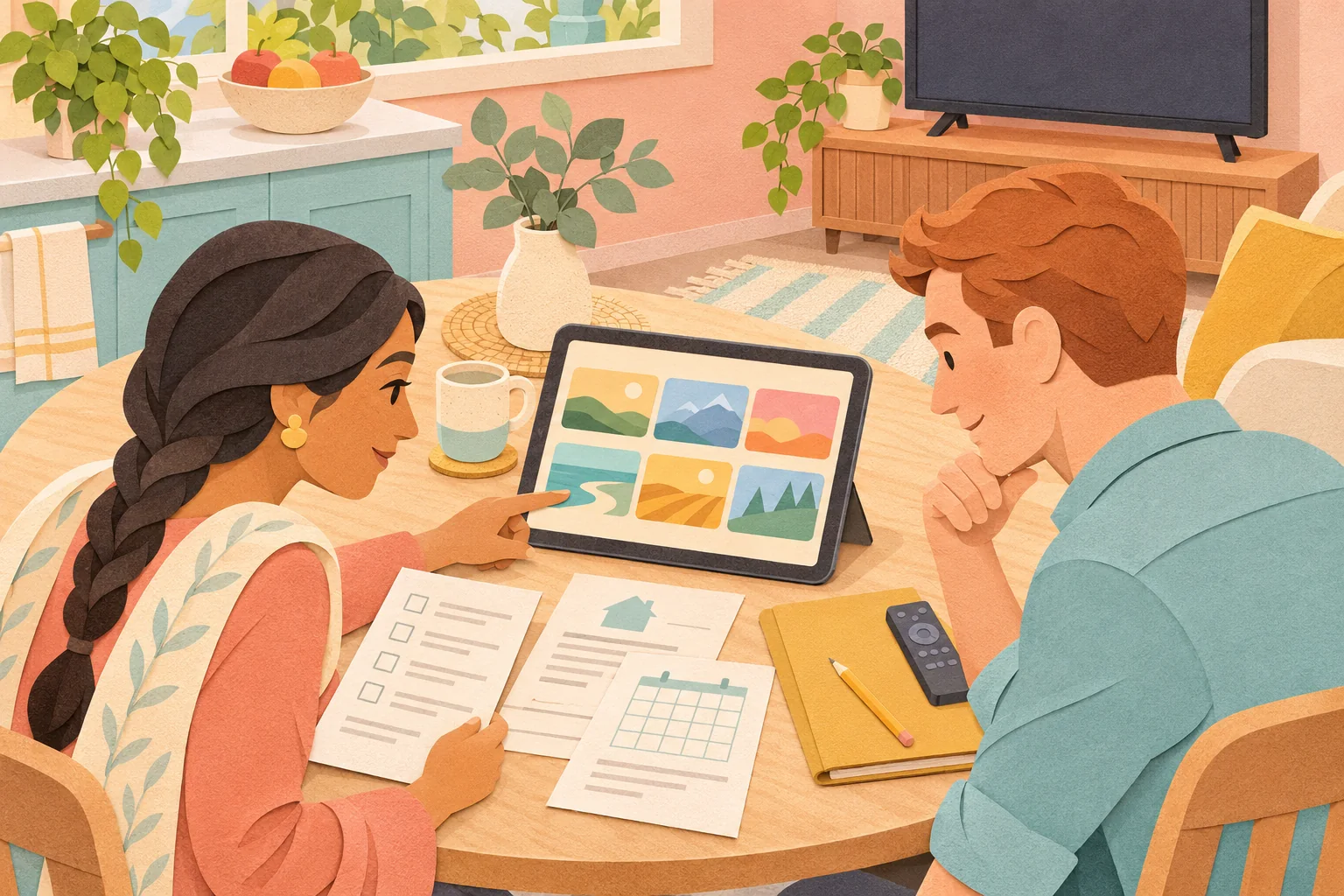
You do not need an inventory of every episode. A short note can expose the assumptions that cause confusion:
- List the services adults and children actually use, including occasional weekend viewing.
- For each service, note whether anyone selects live channels, BBC iPlayer programmes or other on-demand shows.
- Write down where the viewing happens: your home, another caregiver’s home or accommodation during a visit.
- Name the adult who will confirm cover and tell the other caregivers the outcome.
Include adult viewing. A household that chooses only on-demand children’s episodes may still watch live television when the children are asleep. Do not decide the whole household’s position from one child’s profile.
Keep account numbers, payment details and licence documents in an adult-controlled place. A message to another caregiver can describe the agreed viewing options without circulating a photograph of the full document in a family group chat.
Check existing cover before paying again
A BBC account or an app’s sign-in screen is not your household’s licence record. TV Licensing’s iPlayer guidance says an existing licence at the address covers people normally living there; a separate iPlayer licence is not needed on top of it.
Ask the adult who manages household bills to confirm the relevant licence and address. If you recently moved, GOV.UK points to updating the address. In a shared household, tenancy arrangements can affect cover; check those details instead of treating “someone in the building pays” as sufficient.
If nobody can confirm the arrangement, pause that viewing choice while an adult checks. Offer an already-approved alternative activity or viewing option rather than asking a child to settle the billing question.
A tablet does not settle the question
The rules can apply on phones, tablets and computers as well as televisions. Do not read “we have no TV set” as proof that a licence is unnecessary.
Visits need a separate conversation. The official iPlayer guidance distinguishes another property’s cover from certain uses of your own portable device under a home licence. Device power and location matter. Confirm the exact arrangement before a stay; do not simply assume that a licence follows a login everywhere.
A useful question for a host or accommodation provider is: “Is this address covered for the BBC iPlayer or live TV we plan to watch?” If the reply is uncertain, check the official rules for your circumstances. Do not use charging or device changes as a guessed workaround.
Keep the adult decision separate from the child’s choices
A simple explanation is enough: “We’re checking which programmes we can use here. I’ll sort that part out.” There is no need to make children anxious about bills or quiz them on licensing rules.
Once the arrangement is clear, show other caregivers the specific choices you have agreed. If selecting a live tab changes what the household needs, make that distinction visible rather than expecting a child to infer it from a logo.
Content suitability remains another decision. A paid licence does not establish that a show fits your child. Our streaming-profile and PIN checklist helps with access boundaries, while watching one episode together can help you understand the actual programme.
Recheck when the arrangement changes
Return to the official guidance after a move, a new service, a household change or a switch from on-demand shows to live channels. If you think you no longer need a licence, use the official cancellation or declaration process rather than acting on this checklist alone.
Keep a brief dated note of what was checked and where. The useful result is a clear adult decision that matches how the household watches, leaving the family free to choose a suitable programme without a last-minute argument over the remote.
Sources and further reading
- GOV.UK: when a TV Licence is needed, shared households and changes
- TV Licensing: live channels, on-demand programmes and different devices
- TV Licensing: iPlayer, existing cover and viewing away from home
Read our editorial policy and review methodology.