- Find out which part your child wants to change
- Send the request to someone who can update the records
- Ask about consent without assuming one rule applies everywhere
- Separate future use from material already distributed
- Keep the child in the activity
- Make the conversation fit your child
- Follow through without making it your child’s job
- Sources and further reading
By EdCaptain editorial desk · Published
General educational guidance. No qualified clinical review is recorded for this article. Health and safety information.
“I said yes last term, but I don’t want that picture on the club website now.” Your child’s change of mind deserves a practical response. Start by finding out what they want changed, then contact the organisation that controls the image and its permission records.
This guide is for families of children and teenagers aged 6–18. It covers ordinary school and club photographs: updating preferences, asking about existing uses and planning the next event. A concern about threatening or intimate images needs a safeguarding response rather than an ordinary photo-permission email.
Find out which part your child wants to change
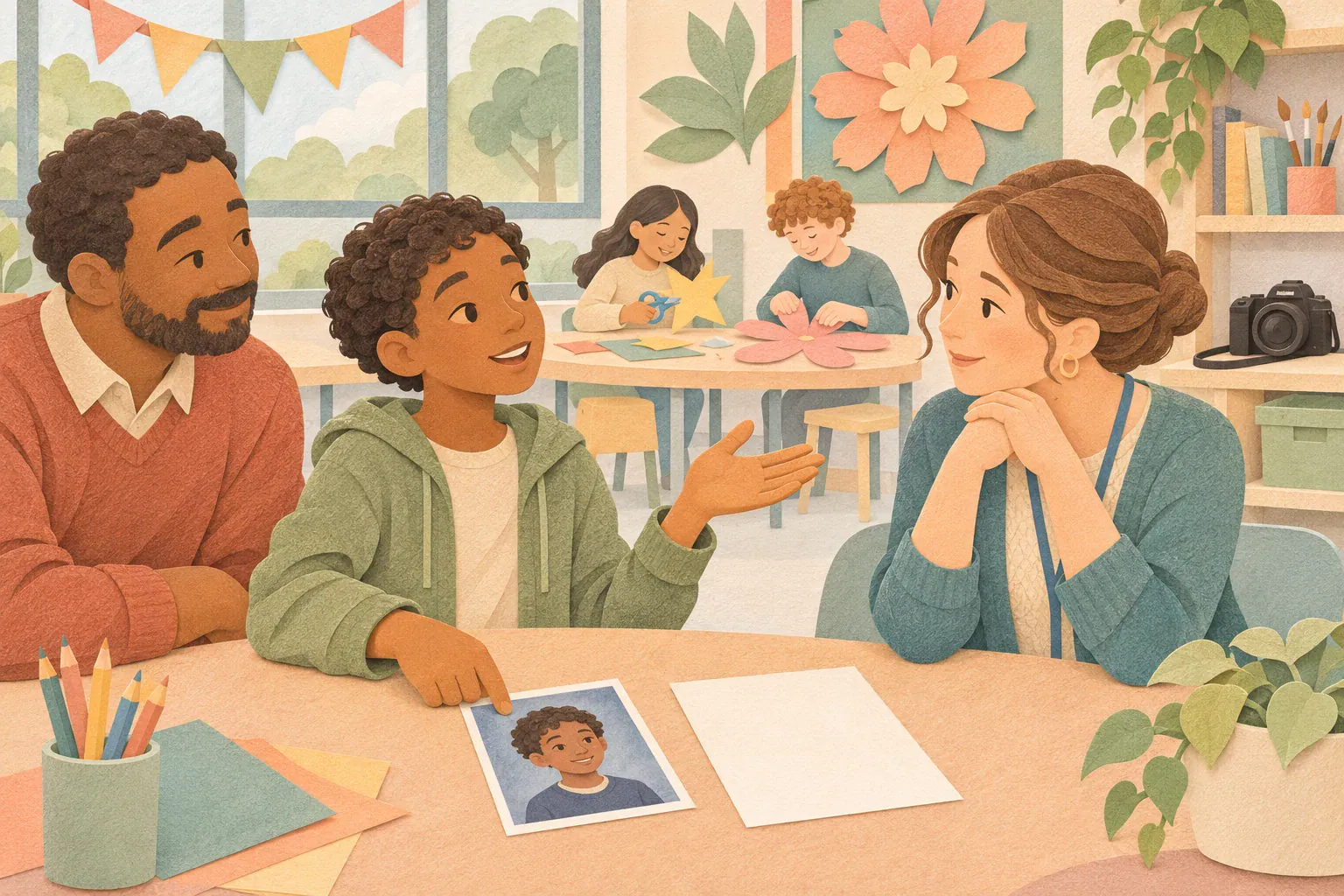
Ask privately: “Is it having a photo taken, that particular picture, or where people can see it?” They might be comfortable with a class keepsake but dislike a public promotional post. Or they may want no new photographs at all. Avoid negotiating them into a yes before you understand.
Make a short list together: the image or event, where it appears, and what your child would prefer. An older child may want to write the request; a younger child may want you to handle it. Neither needs to explain their discomfort to a roomful of classmates.
Try: “Thank you for telling me. We can ask them to change the plan. I can’t promise every copy will disappear, but I can find out what they hold and what they can do.”
Send the request to someone who can update the records
Use the school office’s or club’s official contact, asking who manages photographs and permissions. If a public image reveals a location that could put your family at risk, contact the safeguarding lead promptly and explain the urgency privately.
NSPCC guidance recommends that organisations explain how consent can be withdrawn and how they will respond. Ask for the current photography policy and the record of your child’s preferences. Then make the change specific:
- Name the uses you want stopped. For example: new public website images, social posts, promotional leaflets or all optional photography. Include video if relevant.
- Identify existing material. Give the page address, event date or newsletter issue. A precise reference helps staff find the right file without circulating it again.
- Ask for confirmation. Who will update the record, tell relevant staff and check any scheduled posts or forthcoming print runs?
- Agree the immediate arrangement. If photo day is tomorrow, ask what will happen tomorrow rather than waiting for a general policy reply.
You could write: “My child no longer wants their image used on public school channels or promotional materials. Please update the permission record, pause any planned use and review the image at [page address]. Please confirm what can be removed, what will not be reused and how staff and the photographer will know the new arrangement.”
Ask about consent without assuming one rule applies everywhere
A permission form is a starting point, not a complete explanation of every image the organisation holds. Ask which rules and legal basis apply to the particular use. An identification image, classroom record and public advert may serve different purposes.
In UK school guidance, the Information Commissioner’s Office explains that consent is one possible legal basis; schools may use another. It nevertheless recommends offering pupils an opportunity to opt out of image use. If the school says it is not relying on consent, ask it to consider your child’s objection and explain its decision and complaints route. Avoid assuming that every photograph automatically becomes unlawful when a form changes.
Ireland’s Data Protection Commission explains that, when consent is the basis, it must be possible to withdraw it for future use; withdrawal does not undo earlier use. These are jurisdiction-specific examples. For a dispute, use the organisation’s privacy contact and your own country’s data-protection guidance.
Separate future use from material already distributed
Ask staff to distinguish between a file they hold, a webpage they can edit, a scheduled post, printed stock and copies already sent out. “Removed from our website” is useful information, but it does not tell you whether next month’s brochure still contains the photograph.
Request a short written answer covering:
- Which online locations have been changed, and which are still being checked.
- Whether the image has been flagged against future promotional use.
- Whether an external photographer or publisher needs a separate request.
- What remains stored, for what purpose, and whom to contact about it.
Do not promise your child a complete internet recall. NSPCC cautions that recalling images already published online or in print is difficult. The ICO’s school example also distinguishes stopping future use from necessarily recalling existing printed prospectuses. Keep asking what can reasonably be changed, particularly when there is a welfare concern.
Keep the child in the activity
Withdrawing photo permission should not mean losing the art session, match or celebration. Scouts’ guidance says children should not be excluded because they do not want their image captured and suggests photographing smaller groups as one inclusive option.
Before the event, ask the organiser how photography will fit around participation. Could a short optional photo happen after everyone has finished the activity? Could the camera focus on agreed participants while others carry on with the same task? Your child should not have to patrol the room for cameras.
Agree a discreet signal and a named staff member to approach if the arrangement is missed. Any badge or marker should be discussed with the child, including whether it draws unwanted attention. A practical system must also work for visiting photographers and substitute staff.
Make the conversation fit your child
- Ages 6–9: show the actual page if appropriate and offer concrete choices: “No new pictures, or no pictures on the website?” Handle the administration yourself.
- Ages 10–12: review the requested uses together and let them choose whether to attend the conversation. Rehearse: “Please check with the teacher before taking my photo.”
- Ages 13–18: support them to contact the organisation directly if they wish. Ask how it recognises young people’s own decisions; do not assume your earlier permission settles their current wishes.
A child who communicates through signing, pictures or a device can indicate preferences that way. Explain the options without treating silence, a smile or posing once as agreement to every future use.
Follow through without making it your child’s job
Keep the request and reply, check the named public page, and ask one follow-up if something agreed remains unchanged. If the response is unclear, use the organisation’s complaints or privacy process. For an immediate safety threat, seek appropriate local safeguarding or emergency help rather than waiting for routine correspondence.
For photographs shared by relatives, use our family photo-sharing agreement. If your child needs another adult to approach at school or a club, build a trusted-adult safety network. The useful outcome is a clear, recorded arrangement your child can rely on while still taking part.
Sources and further reading
- NSPCC Learning: photographing and filming children — permissions, withdrawal and safeguarding practice.
- ICO: data-protection advice for school photographs — UK legal bases, objections and existing printed materials.
- Ireland’s Data Protection Commission: photographs at school events — future-use withdrawal when consent applies.
- Scouts: photography and video recording at events — inclusive arrangements when a child opts out.