
By EdCaptain editorial desk · Published
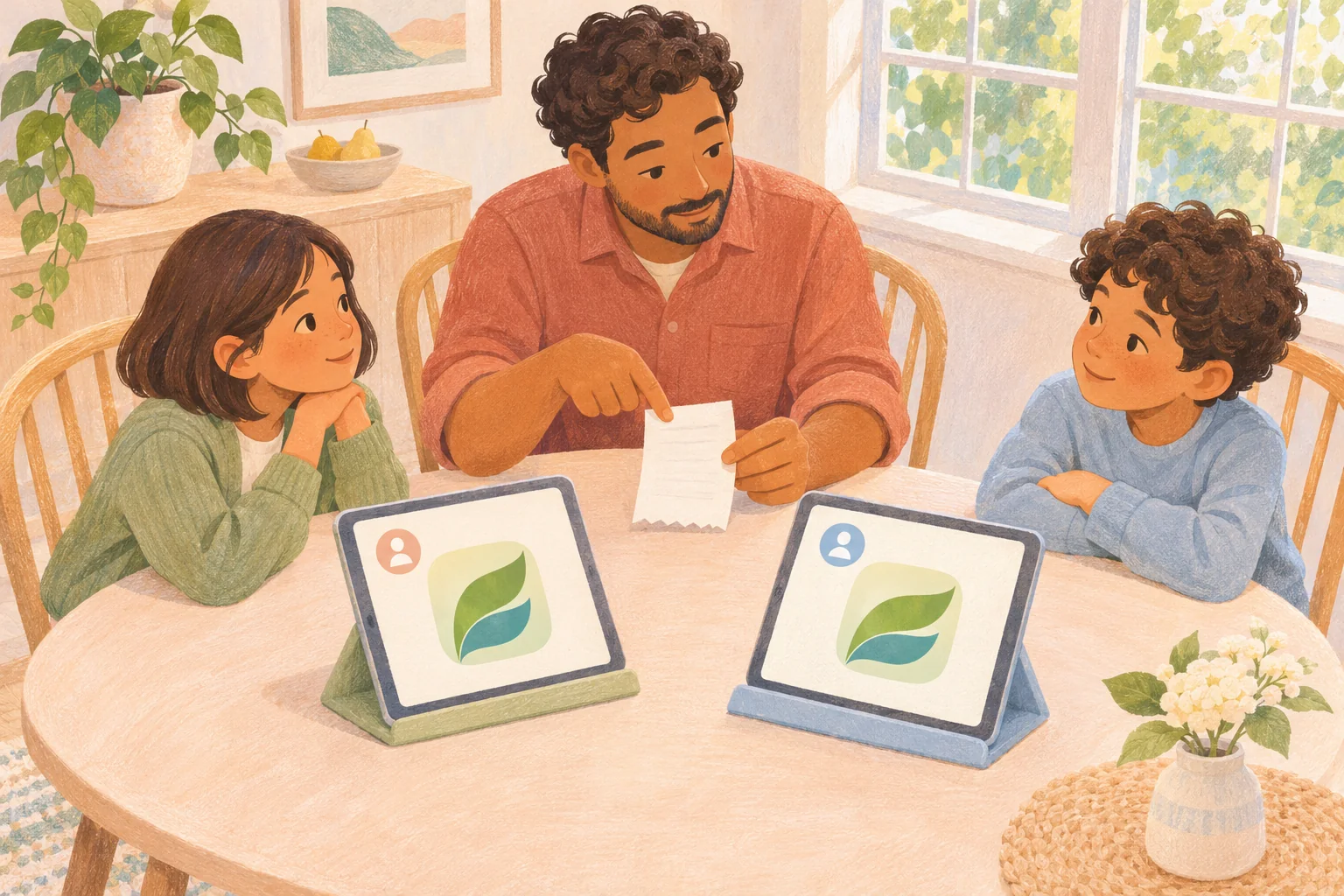
You paid for an app on one child’s tablet. On the other tablet, the same app shows a price—or opens for free but locks the activity you already bought. Before tapping Buy again, find out exactly what the first payment covered.
Sometimes an eligible purchase can be shared through the store’s family tools. Sometimes the paid feature has separate rules. A matching icon, a “family” label or two devices in the same home does not settle the question. This guide helps caregivers check an existing purchase without making another payment to find out.
Start with the receipt, not the second checkout
Open the original receipt or purchase history yourself. Write down the app, seller, store, purchase date and the name of the item. Keep payment details private. “We bought the drawing app” may actually mean one of several things:
- a paid download of the app itself;
- a one-time unlock bought inside a free app;
- a subscription to a named plan;
- something used up, such as a bundle of game coins.
Record what the second child needs: downloading the app, using a particular tool, opening a content pack or having their own learner profile. That makes the support question specific. “Can we both use it?” is harder to answer than “Does this purchase include the drawing tools on a second child account?”
Also note whether the tablets use Apple’s App Store, Google Play or another route. Do not assume a payment in one store buys access in another. Ask the developer whether the exact plan supports both platforms before relying on it.
On Apple devices, check the app and the paid feature
Apple’s guide to shareable purchases says to look for Family Sharing in the app listing’s Supports section. Developers determine app eligibility. Some participating subscriptions and in-app purchases can be shared, but the app’s eligibility does not mean every paid item inside it is included. Consumable purchases such as coins or gems cannot be shared this way; purchases and subscriptions billed outside Apple are also excluded from Apple’s sharing mechanism.
Apple’s Family Sharing overview explains that members use their own Apple Accounts. Eligible subscription sharing and Purchase Sharing are related arrangements; joining a family group alone does not answer every access question. Check the exact item’s support information before changing settings.
If access should be available but is missing, use Apple’s shared-content troubleshooting guide. It covers the accounts used for Family Sharing and Media & Purchases, sharing settings, hidden purchases and device requirements. Review the relevant checks with the purchasing adult. Avoid signing out, moving accounts or changing the whole family setup just to see whether the price disappears.
On Google Play, distinguish Family Library from an in-app payment
Google Play Family Library can share eligible purchased apps and games. On the listing, open About this app or game and look under More info for “Eligible for Family Library”. Check that the purchase has actually been added to the library.
Google says in-app purchases and free app downloads cannot be shared through Family Library. A free download with a paid unlock is therefore a different question from buying the app itself. If the developer offers a separate family subscription, ask about that plan’s terms rather than treating Family Library as proof of coverage.
Country and account requirements matter. Google also warns that removing a purchase from Family Library, or leaving the family group, can remove others’ access. Read the current setup guidance before reorganising accounts.
Make one small access check
Once eligibility and the permitted setup are clear, check the second child’s access with an adult present:
- Use the intended account. Keep the child’s appropriate account and existing protections. Do not hand over an adult store password as a workaround.
- Try the exact feature. Opening the home screen proves less than opening the particular book, lesson or tool the child needs.
- Check the app’s own profiles. Ask whether each child can keep separate progress, creations and recommendations. Sharing a purchase is not evidence that two separate profiles exist.
- Stop at a payment request. Do not start another trial or approve a charge merely to test whether sharing works.
If a restore-purchases option is offered, follow the developer’s instructions for that account and item. Do not assume it will transfer a purchase between siblings. Keep existing work intact while asking for help; do not delete an account to troubleshoot a purchase.
When both children use one physical tablet, our shared-device agreement helps organise turns, profiles and privacy. Those practical arrangements still need attention even if the payment question is resolved.
Get a clear answer from the developer
Send a short message through the developer’s official support route: “We bought [exact item] through [store] on [date]. We want a second child, using [device/platform], to access [feature] with separate progress. Is this purchase eligible, and which steps should we follow without buying again?”
Add the app version and the wording of any error. If support needs a receipt or screenshot, redact unrelated purchases, addresses and payment information. Never send passwords or verification codes.
Ask for a written answer about the existing purchase before considering an upgrade. If sharing is unavailable, compare the total cost and conditions of a second purchase or another plan with using an alternative. Waiting or choosing not to buy is a valid outcome.
Keep the next purchase a separate decision
A successful shared download does not establish that every item is suitable for every child. Apple specifically notes that Ask to Buy cannot prevent downloading content a family member has already purchased. Review shared content and the child’s controls yourself.
For new spending, use our guide to preventing surprise app charges. Finish this check with a simple private note: what is shared, through which account and plan, which features worked, and what remains unresolved. That gives the next caregiver a clear answer without another experimental checkout.
Sources and further reading
- Apple: which purchases support Family Sharing
- Apple: family accounts, subscriptions and Purchase Sharing
- Apple: troubleshooting missing shared apps and content
- Google Play: Family Library eligibility and setup
Read our editorial policy and review methodology.